Key takeaways
- You do not need to write new content to make video lessons. A chapter PDF you already own is enough to start.
- The AI drafts the script from your chapter. A teacher reads and corrects it, then the voice, captions and visuals are added.
- Make one short video per topic, not one long video per book, and put a quiz after each so you know it worked.
Open a recent NCERT textbook and you will find small QR codes printed on its pages. Scan one with a phone and a video opens. By June 2026, the government's DIKSHA platform had 7,687 of these “energised” textbooks.
Notice what the government did not do. It did not throw the textbook away. It kept the book and added video on top.
A publisher in Meerut or a coaching center in Kota can do the same with their own books. Until recently, that meant a camera, a studio and a teacher reading to a lens for weeks. Now the PDF itself can be the starting point. This guide shows how to convert a PDF to an AI video, one chapter at a time.
Why Convert Books and PDFs Into AI Videos?
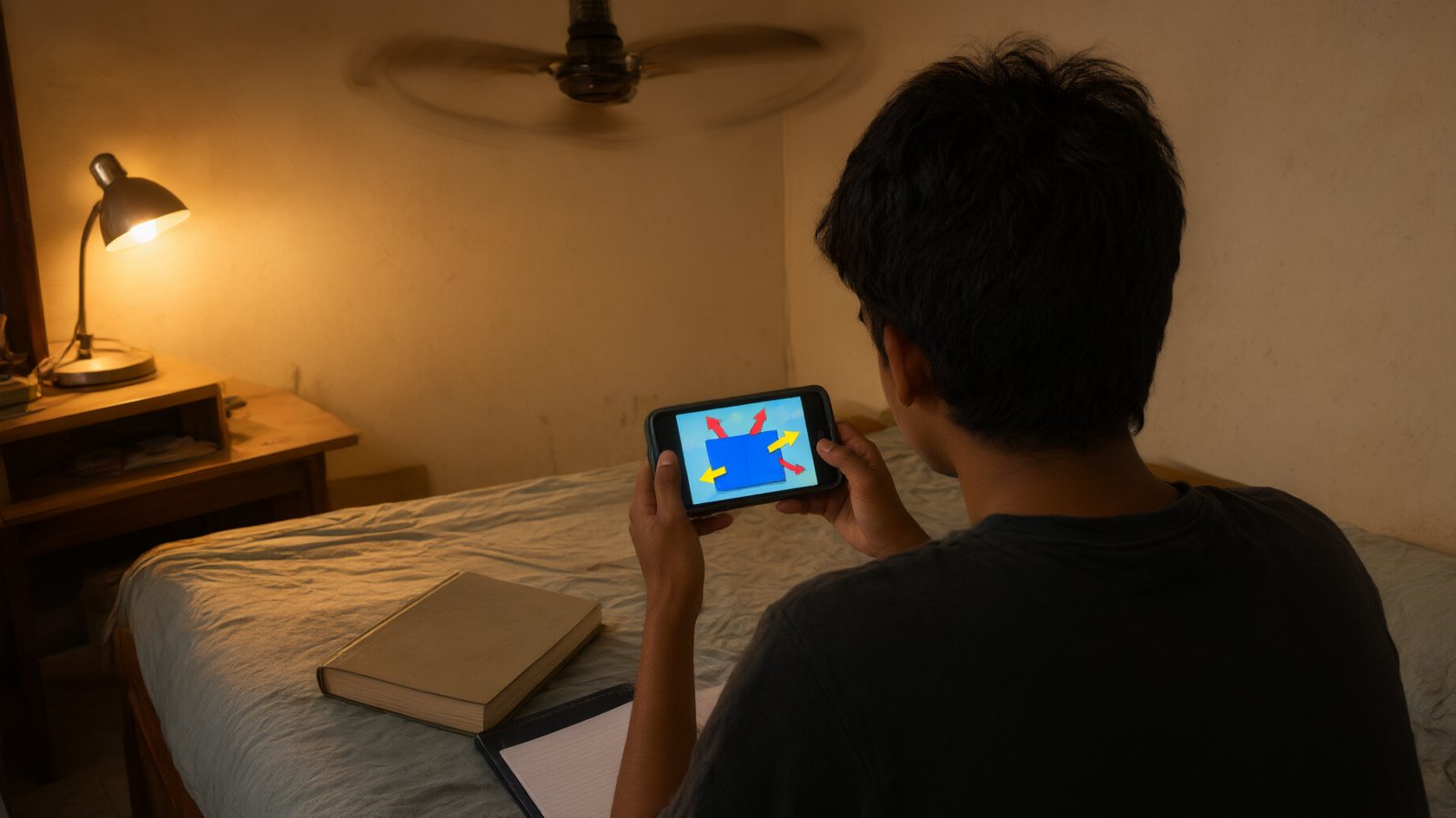
A PDF waits for the student to do all the work. It cannot slow down when a topic is hard. It cannot show a block sliding down a slope. And on a phone screen, a dense page of Physics is hard going at 10 pm.
A short video does those things. The student hears the idea, sees the diagram move, and can play it again. The content is the same. What changes is how the student meets it.
For an institute, the bigger point is reuse. Your books and modules took years to write and check. They are your best asset. Turning them into video lessons gets more value from work you have already paid for, instead of starting from a blank page.
How AI Turns a PDF Into an Educational Video
A PDF to video AI tool reads your document, writes a short narration script from it, and turns that script into a video with a voice, captions and matching visuals. You do not record anything. You check the script and approve the result.
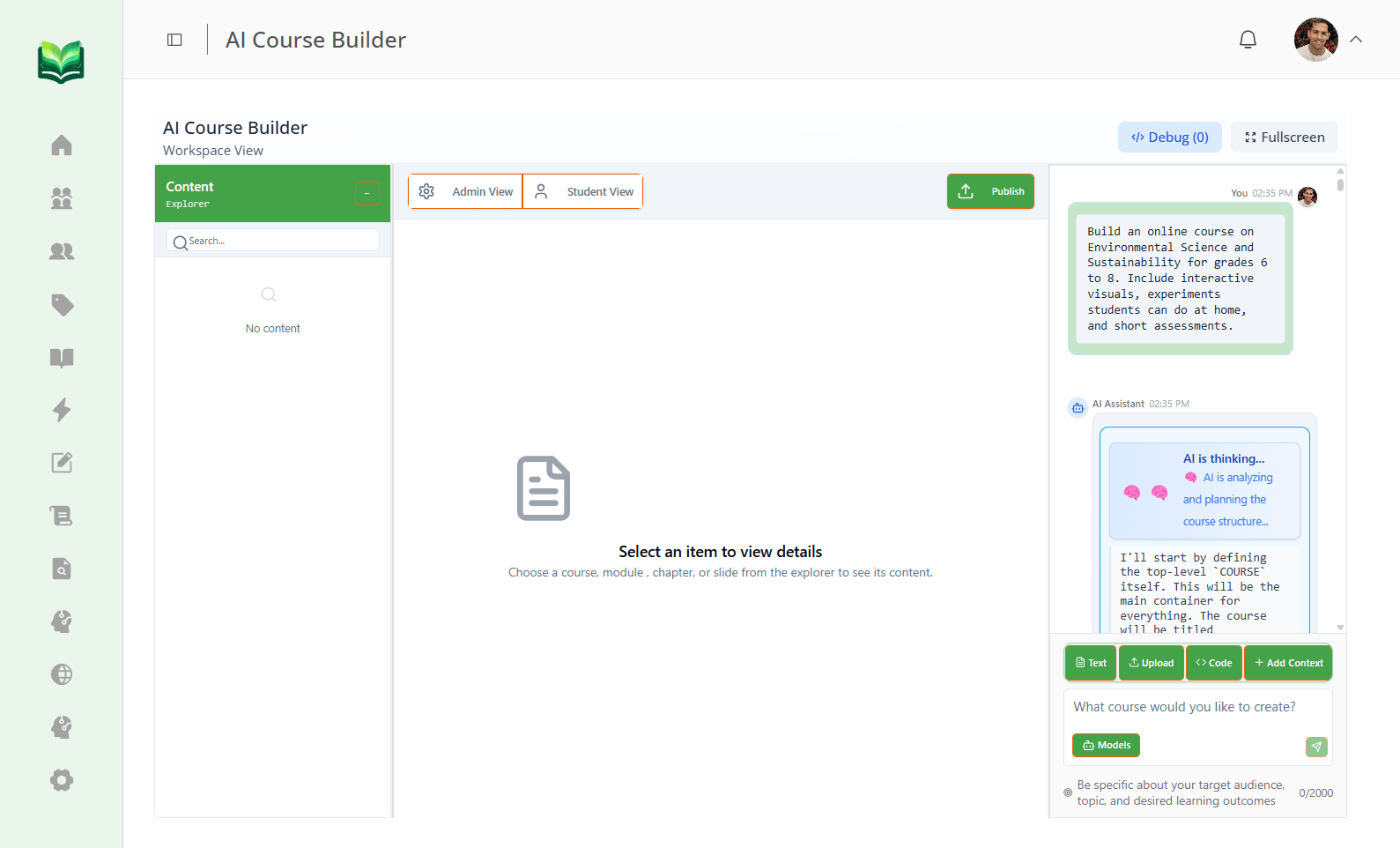
In Vacademy, this happens inside the AI Course Builder, which has an AI video generator built in. Here is the path a single chapter takes.
Infographic 1
What happens to one chapter PDF
- 01
Your PDF
A chapter from your book, module or notes.
- 02
Script
AI writes the narration. You read and edit it.
- 03
Voice + captions
Pick a voice and language. Captions match every word.
- 04
Visuals
Diagrams, formulas and slides line up with the voice.
- 05
Video
An MP4 that goes into your course, or onto YouTube.
You can stop and edit at every step. Nothing goes to students until you publish.
The voice can be in Hindi, Tamil, English and many other languages. The visuals can include diagrams and formulas, and your own logo and colors if you upload them.
Step-by-Step: Convert a PDF Into an AI Video
These six steps work for a single chapter. Do one chapter well first. Then repeat it for the rest of the book.
- Step 1
Pick one chapter you own
Start small. One chapter from a book, module or set of notes your institute wrote or holds the rights to. A clean, typed PDF gives the best result.
- Step 2
Upload it
Open the AI Course Builder and upload the PDF. Add one line on who it is for, for example "Class 11 students, Hindi medium, first time seeing this topic".
- Step 3
Check the outline
The AI first shows the topics it found, with no content yet. Rename, add or delete topics here. This is the right time, because once you approve the outline it is locked.
- Step 4
Read the script
The AI writes the lesson text and a video script for each topic. A subject teacher reads it, fixes any line, and asks the AI to redo any part that is weak.
- Step 5
Make the video
Choose the voice and the language. Captions and visuals are added to match the narration. Not happy with a video? Make it again (up to two times), or swap in your own recording or a YouTube link.
- Step 6
Add the quiz and publish
Put a short quiz after each video, made from the same chapter. Publish to your batch, and the videos show up inside your institute's app.
Tip: keep each video to one topic. A six-minute video on friction gets watched to the end. A forty-minute video on the whole chapter usually does not.
See it on your own chapter
Send us one chapter PDF. In a 30-minute demo, we turn it into a video while you watch.
Turn Books Into Complete Video Courses
One video is a good start. A book turned into a video course is something a student can study from. The course keeps the order of your book: chapter by chapter, topic by topic.
Infographic 2 · Example
One chapter in, a full video lesson out
Laws of Motion
Class 11 Physics module · one PDF chapter
Each topic gets its own short video. After it comes a quiz, written by the AI quiz generator from the same chapter, so the questions match what was just taught.
And when a student still does not get it, they can ask. Vacademy's AI doubt chatbot answers from your own PDF, not from the internet, and shows the page it used. If it cannot help, the doubt goes to a teacher.
Recording Videos by Hand vs an AI Video Generator From PDF
Most institutes have tried recording lessons. It usually stops after a few chapters, because the best teacher is also the busiest one. Here is where the work goes in each case.
Infographic 3
Recording a lesson vs making it from your PDF
The teacher's part changes from recording to reading. They check each script for facts, then move on to the next chapter.
Who Can Convert PDFs Into AI Videos?
Anyone who has teaching material in PDF form. That covers more people than you might think.
Infographic 4
Who converts PDFs into AI videos, and why
Publishers
Put a video lesson behind every chapter of a book already in print.
Coaching institutes
Turn printed modules into videos students rewatch before a test.
Schools
Give absent students the lesson they missed, in their own language.
Teachers
Make your notes into short videos without facing a camera.
Course creators
Build a paid video course from an ebook you already sell.
Training companies
Turn policy PDFs and manuals into training videos for staff.
Publishers have the most to gain, because their whole catalog is already in PDF. We wrote about one such case in how a UPSC publisher turned its books into a digital course.
From Static PDFs to Interactive Digital Learning
The video is not the end goal. It is the middle step between a book that sits on a shelf and a student whose progress you can actually see.
Infographic 5
From a static PDF to learning you can see
PDF → Structured content
The chapter is split into clear topics and lessons.
Content → AI videos
Each topic gets a short narrated video.
Videos → Interactive learning
A quiz after each video, and a chatbot for doubts.
Learning → Visible progress
You can see who watched, who scored, and who is stuck.
That last step is what matters to the institute. When a parent asks how their child is doing in Physics, you can answer with chapter names, not a guess. For more on making videos from a topic instead of a book, read our guide to the Vacademy AI video generator.
Your Books Are Already Written
Turn your existing educational content into AI-powered video lessons. Bring one chapter to a demo and leave with a video, a quiz and a plan for the rest of the book.
Frequently Asked Questions
How do I convert a PDF to an AI video?
Upload the chapter PDF to Vacademy. The AI reads it and writes a short narration script, which you check and edit. You pick a voice and language, captions are added to match the voice, and the visuals are placed on top. The finished video goes into your course chapter, or you can download it as an MP4.
Can AI turn a whole book into a video course?
Yes, one chapter at a time. Vacademy's AI Course Builder first shows you an outline of chapters and topics made from your material. You can rename, add or delete items. Once you approve it, the AI writes the lessons, the video scripts and the quizzes for each part.
Can the AI video be in Hindi or another Indian language?
Yes. You choose the narration voice and language, including Hindi and Tamil. The same chapter can be narrated in a second language without recording it again.
Do I need a camera, a studio or editing skills?
No. Nobody has to appear on camera. The teacher's job is to read the script and check the facts, which is the part only a teacher can do. Everything else, from voice and captions to visuals, is done by the AI.
Can I change the video after it is made?
Yes. The written text in the course stays fully editable. AI-made videos and images can be regenerated up to two times, and you can replace any of them with your own recording or a YouTube link.
Can students ask questions about the video or the book?
Yes, with Vacademy's AI doubt chatbot. It answers from your own uploaded PDFs, not from the internet, and shows the page the answer came from. If it cannot help, the doubt goes to a human mentor.
What is the best AI video generator from PDF for teachers?
Pick one built for teaching, not for marketing videos. Check four things: it reads your own PDF, it lets you edit the script before the video is made, it speaks the language your students learn in, and it puts a quiz after the video so you know the lesson landed.