The Quiz-Creation Problem Every Educator Knows
It is Tuesday evening. Your mock exam is on Thursday. You sit down to type out 40 MCQs from scratch — copying from a PDF, reformatting each option, making sure the correct answer is tagged. Three hours later, you are halfway through and your coffee has gone cold.
Now imagine doing that again next semester. And the semester after that. Manually creating assessments is one of the biggest silent time drains in education — and most educators have just accepted it as part of the job.
Vacademy flips this entirely. Instead of starting from a blank question editor, you upload your existing content — a PDF, a voice note, a diagram, or just a topic name — and Vacademy's AI builds the quiz for you. What used to take hours now takes under two minutes.
Four Ways to Assess Your Learners
Not every assessment has the same purpose. Vacademy gives you four distinct types so you can match the format to the goal — whether that is a formal exam, practice revision, or gathering feedback.
Examination
Set a specific date and time when the exam opens and closes. Students can only attempt it during that window — exactly like real exam conditions. Great for term tests, entrance exams, and formal evaluations.
Mock Assessment
Learners can start a mock whenever they are ready, but once started the countdown begins and cannot be paused. Simulates real exam pressure while giving learners flexibility on when to attempt.
Practice Assessment
No countdown, no pressure. Learners work through questions at their own pace and can review answers as they go. Perfect for revision, building confidence, and reinforcing concepts before a real test.
Survey
Collect opinions, feedback, and qualitative data from learners or parents. There are no right or wrong answers — just structured responses that help you understand your audience and improve your courses.
Upload a PDF, Get a Quiz in Seconds
Every coaching institute and school has filing cabinets — physical or digital — full of past question papers. They are valuable resources, but completely locked away in static PDFs that students cannot interact with.
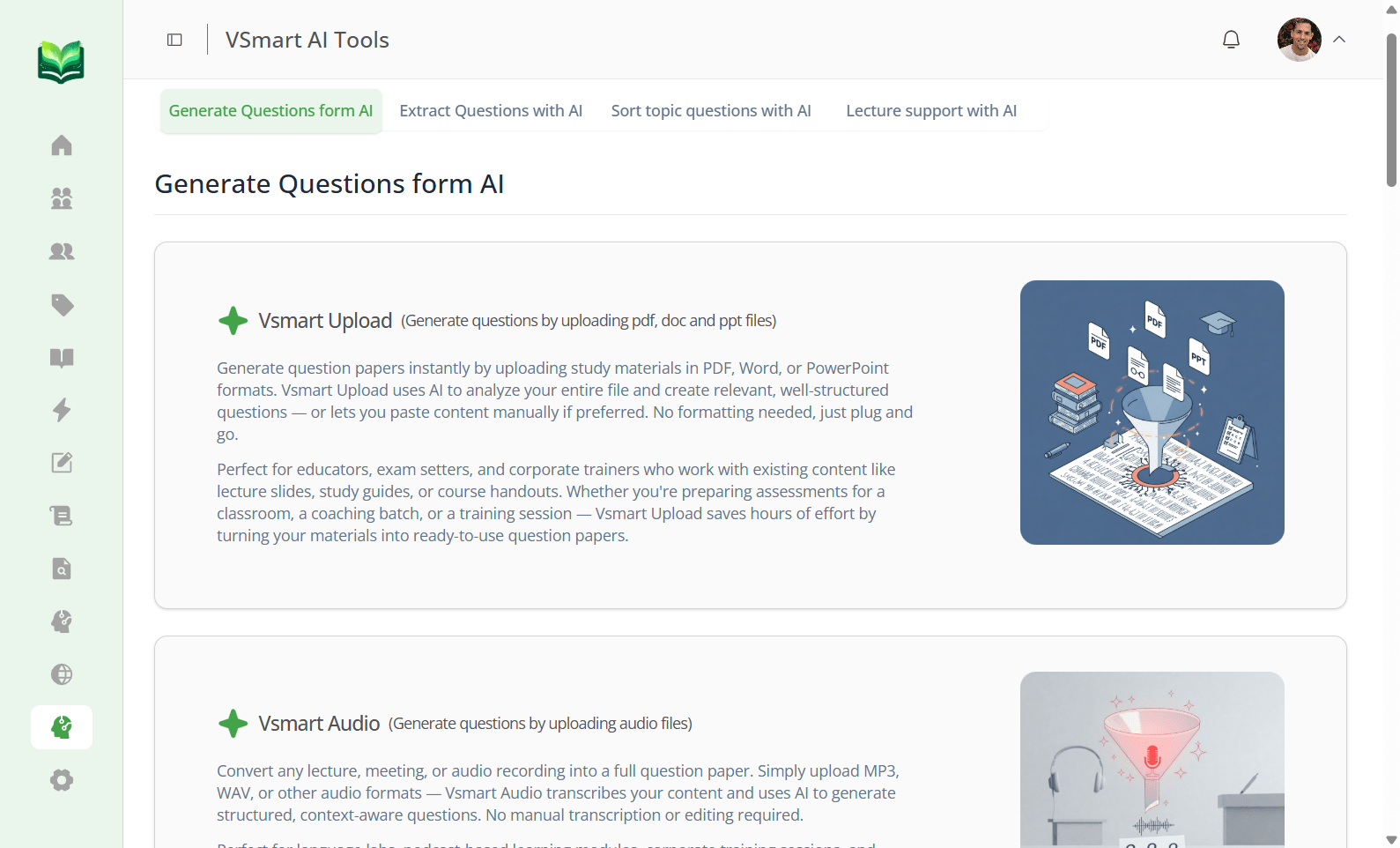
Vsmart Upload solves this in one step. You upload your PDF question paper, and Vacademy's computer vision AI reads the text, identifies each question and its options, detects the correct answer if marked, and converts everything into a fully interactive digital quiz — complete with auto-grading and analytics.
- Works with scanned PDFs and typed documents
- Preserves question numbering, options, and formatting
- Converts years of archived papers into an instant question bank
Generate Questions From Any Topic
Starting from a blank question editor is brutal. Most educators know roughly what they want to test — they just do not want to spend time phrasing every question and writing three plausible wrong options for each one.
With Vsmart Topics, you type in a topic — say, "Photosynthesis" or "The French Revolution" — choose your difficulty level and number of questions, and Vacademy generates a complete question bank ready to deploy. You can edit, reorder, or remove anything before publishing.
- Difficulty controls: easy, medium, hard
- Generate 10, 25, 50+ questions in one go
- All questions are fully editable before publishing
Even Your Voice Recordings Become Quizzes
Many educators think in audio. They record voice notes while commuting, explain concepts out loud while pacing, or have recordings of their live lectures sitting unused on their phone.
Vsmart Audio turns all of that into assessments. Upload any audio file or record directly in the platform. The AI transcribes the content, identifies the key concepts being discussed, and auto-generates questions from the material. A 10-minute voice explanation can become a 20-question quiz without a single keystroke from you.
- Upload existing audio files or record live in Vacademy
- AI extracts key concepts and generates accurate questions
- Turns lecture recordings into instant revision quizzes
Every Way You Can Create Questions
Vacademy's Vsmart suite covers every possible source of content. If you have information in any format, there is a tool that turns it into an assessment.
Vsmart Upload
Upload any PDF question paper. AI reads and converts it into a live digital quiz instantly.
Vsmart Topics
Enter a topic, set difficulty, and get a full question bank generated in under a minute.
Vsmart Audio
Record a voice note or upload an audio file. AI transcribes and builds questions from it.
Vsmart Image
Upload a diagram, chart, or image. AI generates context-aware questions around the visual.
Vsmart Chat
Chat with AI to generate specific question types, formats, or difficulty levels on demand.
Vsmart Extract
Pull questions from any content — notes, articles, slides — without retyping a single word.
Assessment Without the Admin
Creating the quiz is only half the job. The other half — grading, reporting, sharing results — is where the real time gets lost. Vacademy automates all of it.
Ready to stop typing quiz questions?
See Vsmart Upload, Topics, Audio, and more in a live walkthrough — no slides, no sales pitch, just the product doing its thing.
With Vacademy assessments, you get:
- Quiz creation in under 2 minutes
- Instant grading & detailed analytics
- Results shared to parents via WhatsApp
Frequently Asked Questions
Can I set a time limit on quizzes?
Yes. Both Examination and Mock Assessment types have configurable time limits. For Examinations, you set opening and closing times. For Mock Assessments, the timer starts when the learner begins and cannot be paused — matching real exam pressure.
Does Vacademy auto-grade assessments?
Absolutely. All objective question types — MCQs, true/false, fill-in-the-blank — are graded automatically the moment a learner submits. Scores and performance analytics are available in your dashboard immediately.
Can I share quiz results with parents?
Yes. Vacademy lets you send detailed score reports to both learners and their parents via email or WhatsApp. This is especially useful for coaching institutes and school programs where parent communication matters.
What question types does Vacademy support?
Vacademy supports multiple-choice questions (MCQs), multi-select, true/false, fill-in-the-blank, and more. The Vsmart AI tools generate questions across all these formats depending on the content and difficulty you specify.
Can learners retake quizzes?
It depends on the assessment type. Practice Assessments are built for unlimited retakes and self-paced revision. Mock Assessments can be configured with a set number of allowed attempts. You have full control over retake policies.