Key takeaways
- ITRC sent us a 9-slide PDF on resume writing. Vacademy's AI turned it into a 10-minute 39-second teaching video, with a presenter, an Indian English voice, captions and ITRC's logo.
- Every point on the slides is taught, in order, with Indian examples the PDF never had.
- You give the PDF and a few choices. The AI writes, speaks, draws and puts the video together. You get an MP4 for your course.
- Cost: about ₹400 per minute of video. A 5-minute video is about ₹2,000.
Picture a skilling batch in Indore. On Monday, the trainer shares a 9-slide PDF on resume writing in the batch WhatsApp group. By Wednesday, most students have opened it once, scrolled for half a minute, and closed it.
They are not lazy. Bullet points on a white slide do not teach. A teacher does. The PDF says “highlight achievements, not just duties”. It does not show a student what that looks like on their own resume.
This week, ITRC asked us for a sample. ITRC is an NSDC partner that has run skill development programs since 1999, with its head office in Indore and more than 850 centers, according to its website. We did not send them a brochure. We took one of their real PDFs and made the video. This post shows you what went in, what came out, and what it costs.
Students Skip PDFs. They Watch Videos.
Ask any trainer. Students today learn on their phones. They watch at night, on the bus, at 1.5x speed, and they go back to the part they missed. A PDF cannot talk to them, and it cannot show them an example.
For an institute, this is not a small thing. When students skip the material, the next class starts from zero, and results suffer. A video carries your best teacher's explanation to every student, every time.
Quick comparison
What a PDF can do, and what a video can do
| What students need | AI video | |
|---|---|---|
| Explains why each rule matters | ||
| Shows a real example for every point | ||
| A teacher's voice, in an Indian accent | ||
| Works on a phone, in a bus, at night | ||
| Student can replay the part they missed | ||
| Lists the main points |
The Input: What ITRC Gave Us
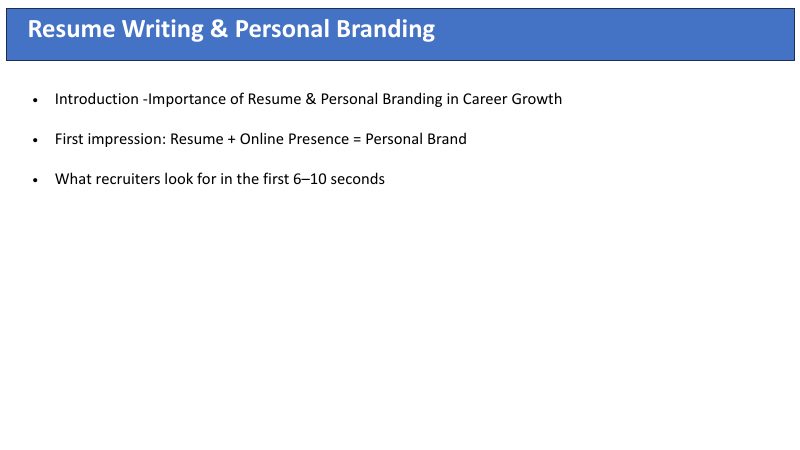
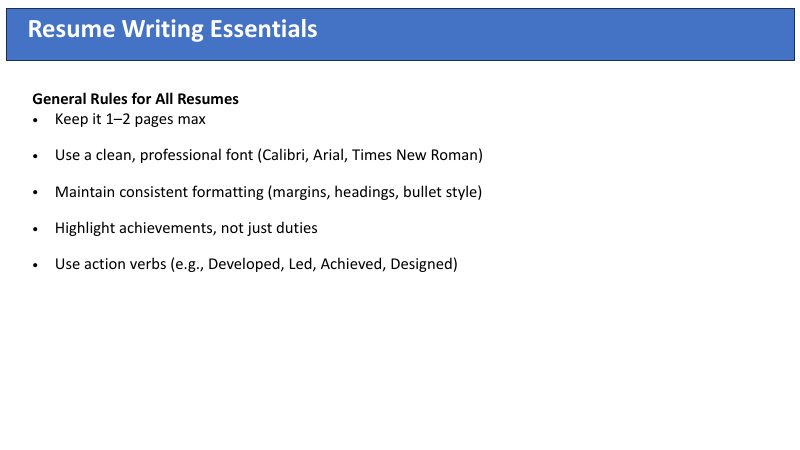
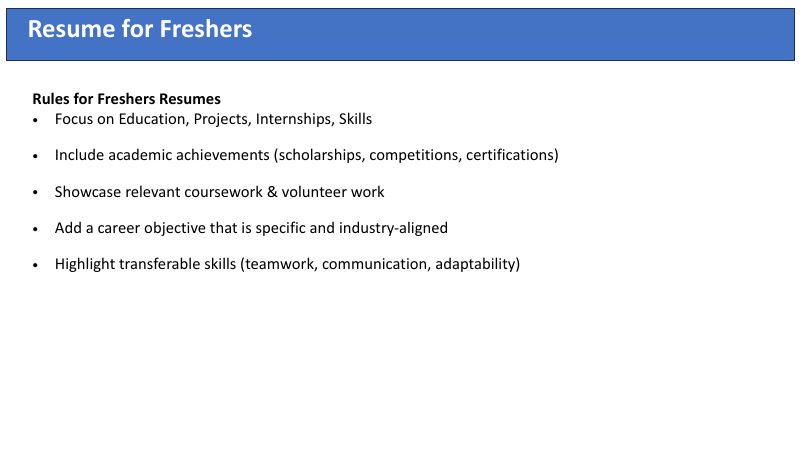
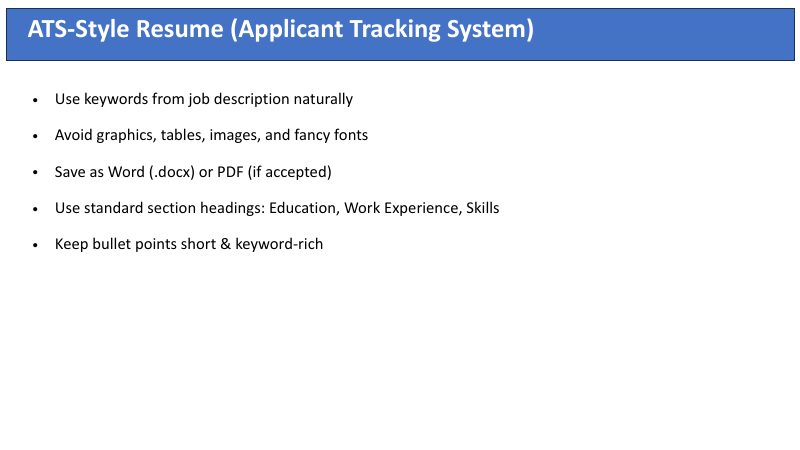
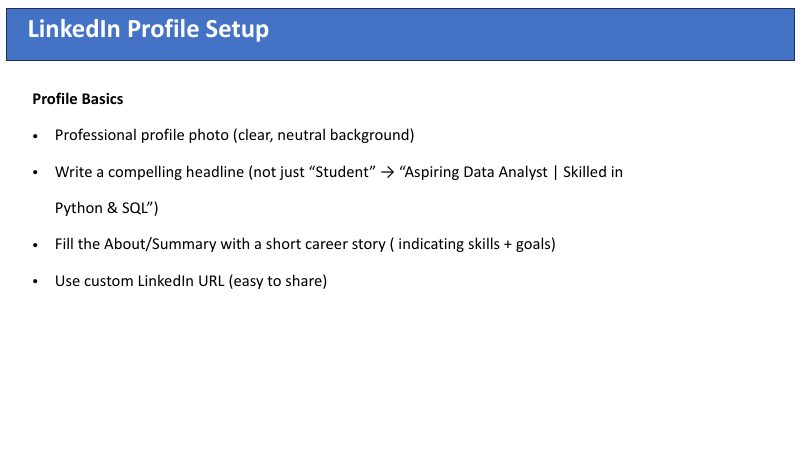
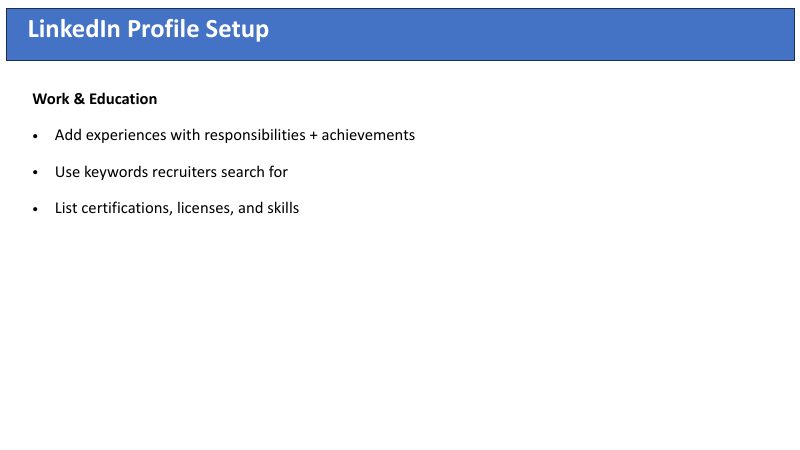
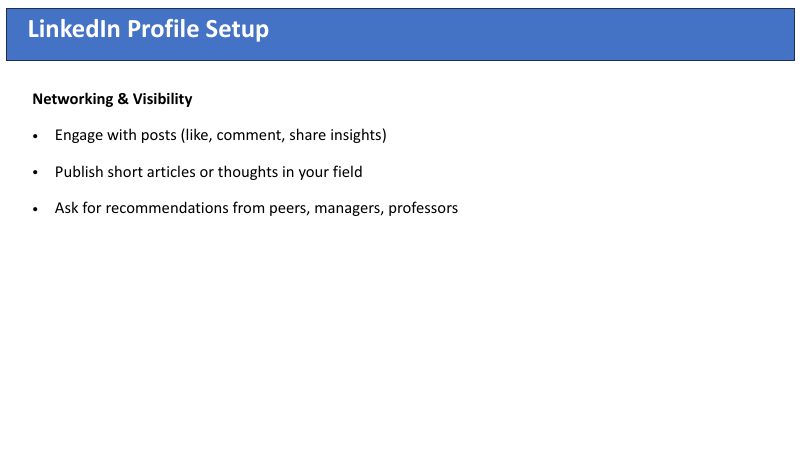
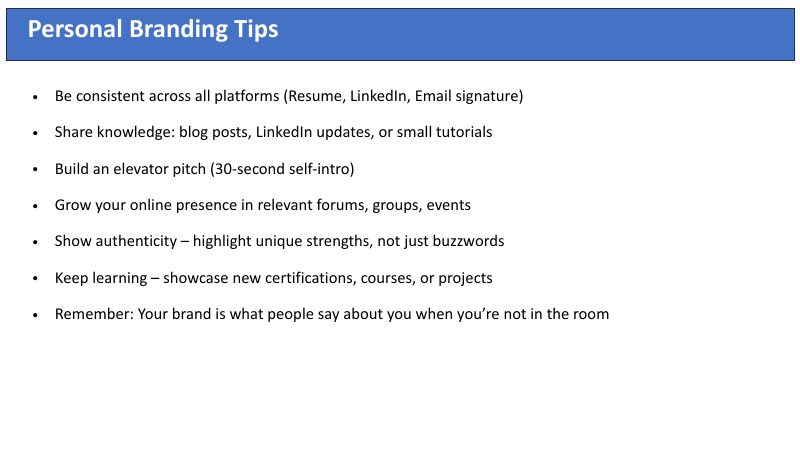
Nine slides. A title on each, and three to seven bullet points. Rules for all resumes, for freshers and for experienced people, how tracking software reads a resume, how to set up LinkedIn, and how to build a personal brand. We added a few choices and four lines of instructions. That was all.
The input
9 slides from ITRC, plus a few choices

What we chose
- Length: 10 to 12 minutes, slow and detailed
- Voice: Indian English, female
- Presenter: AI presenter “Riya”, in the corner
- Brand: ITRC logo and colors
- Captions: On, word by word
What we asked for, in plain words
Teach every point on the slides, in the same order, slowly, like a patient trainer. The students are Indian freshers looking for their first job. Use Indian examples. Show resumes before and after. End with a recap and one thing to do today.
The Output: Watch the Full 10-Minute Lesson
Press play. This is the video exactly as Vacademy made it. Nobody edited it afterwards.
10:39
minutes of teaching
55
animated scenes
1080p
full HD MP4
~2 hrs
PDF to finished video
The Same Slide, Before and After
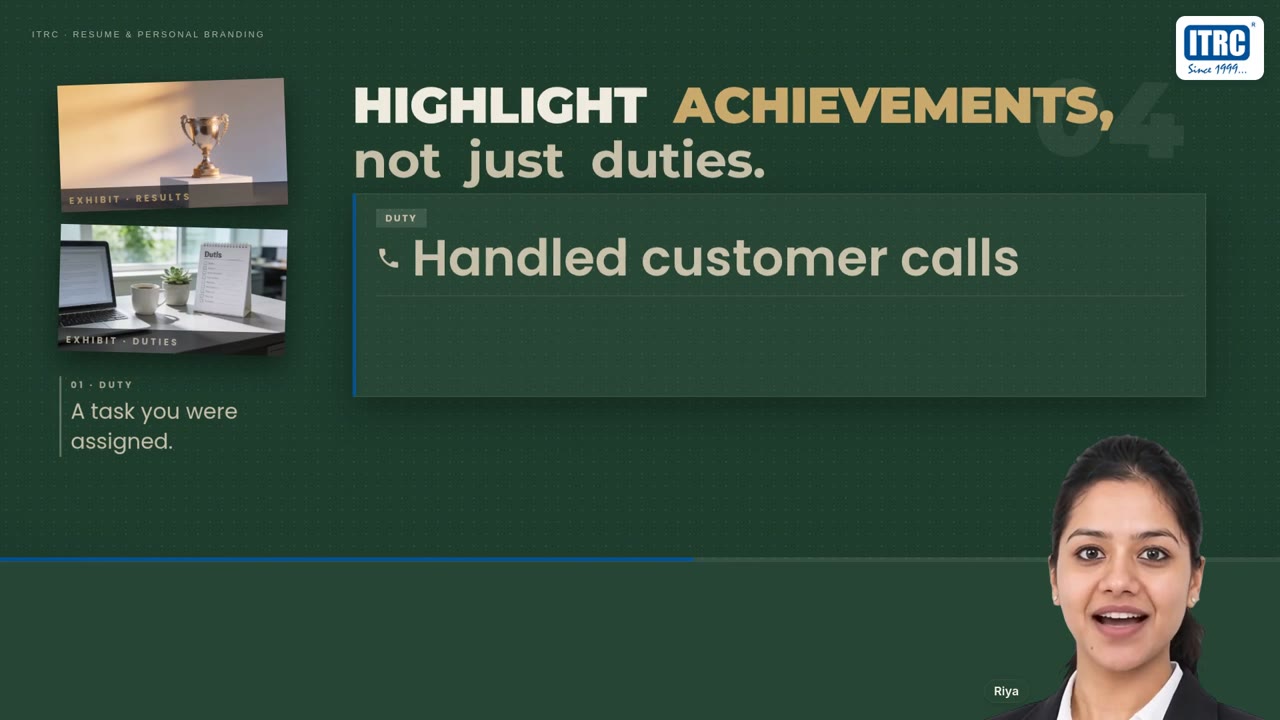
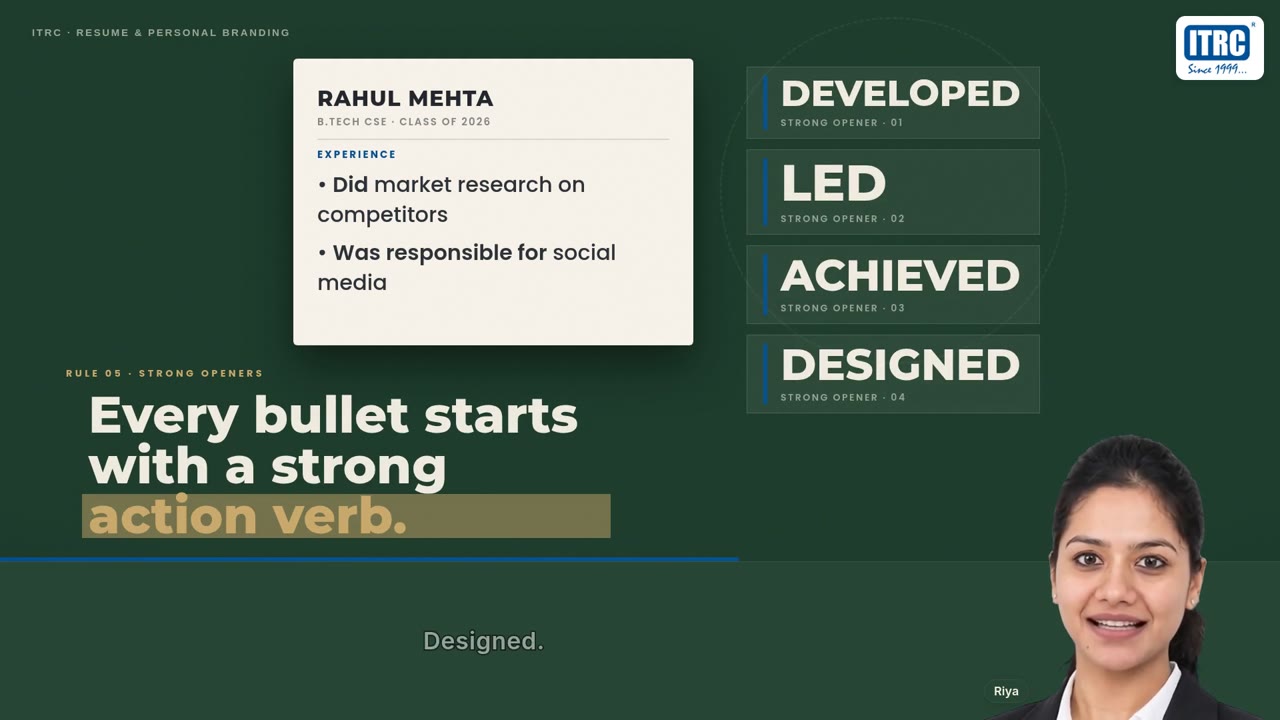
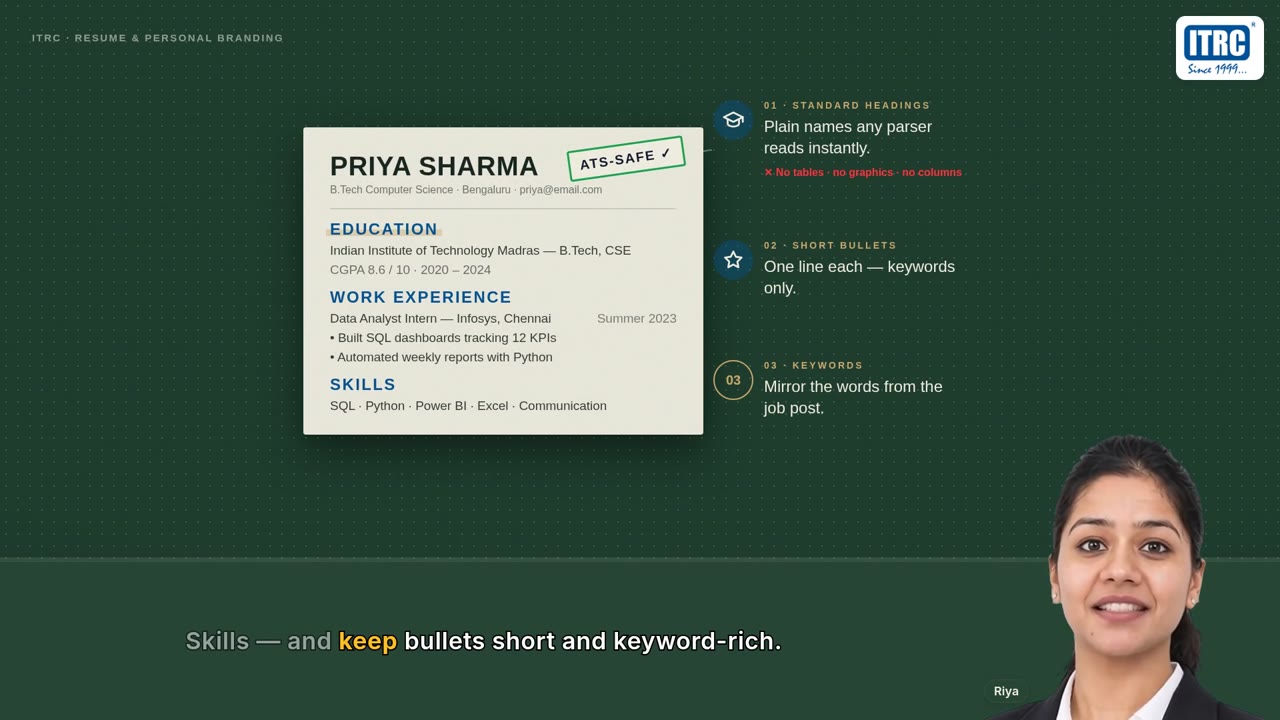
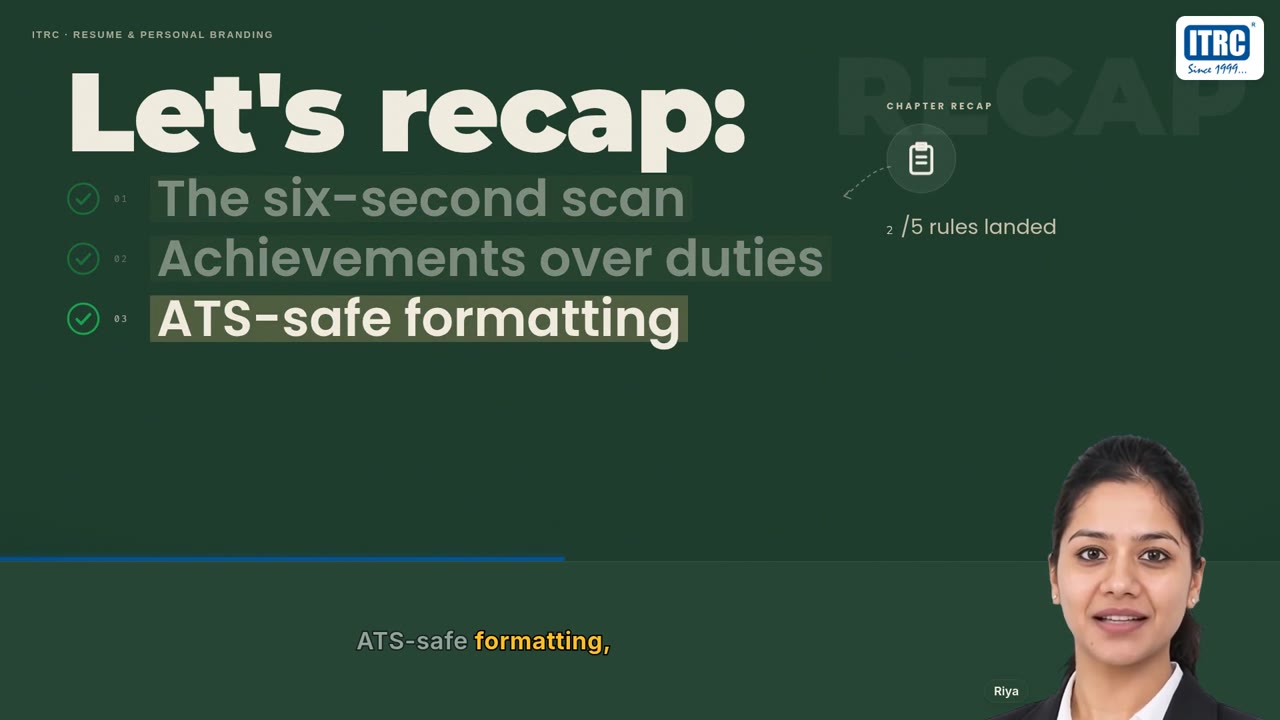
Here is slide 2 of the PDF. Five rules in five lines. Below it is how the video teaches two of those lines.
Want to see your own PDF as a video?
Send us one chapter. In a short demo, we show you the video made from it.
What the AI Added That the PDF Did Not Have
The video covers every point on the slides, in the same order. But a good teacher does more than read the slide aloud. So does the AI.
The six-second recruiter scan
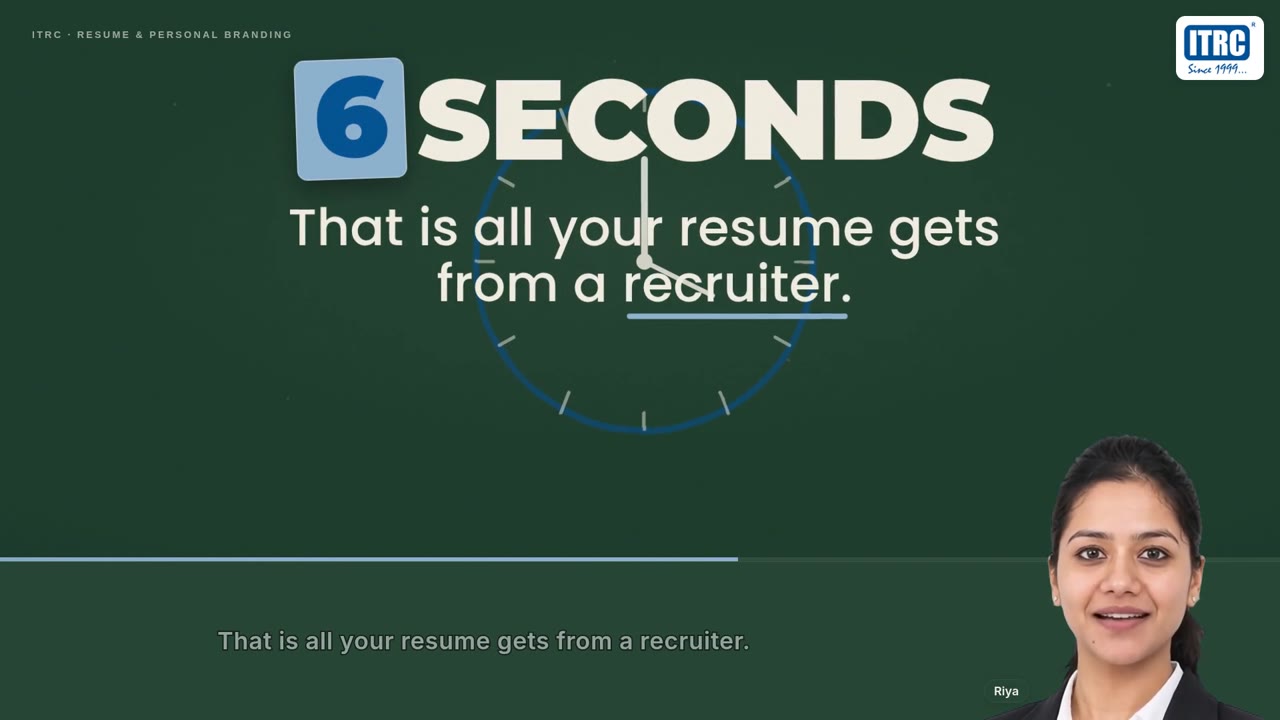
The PDF says recruiters look for 6 to 10 seconds. The video opens with a clock and shows what a recruiter's eye actually reads.
Before and after, on screen
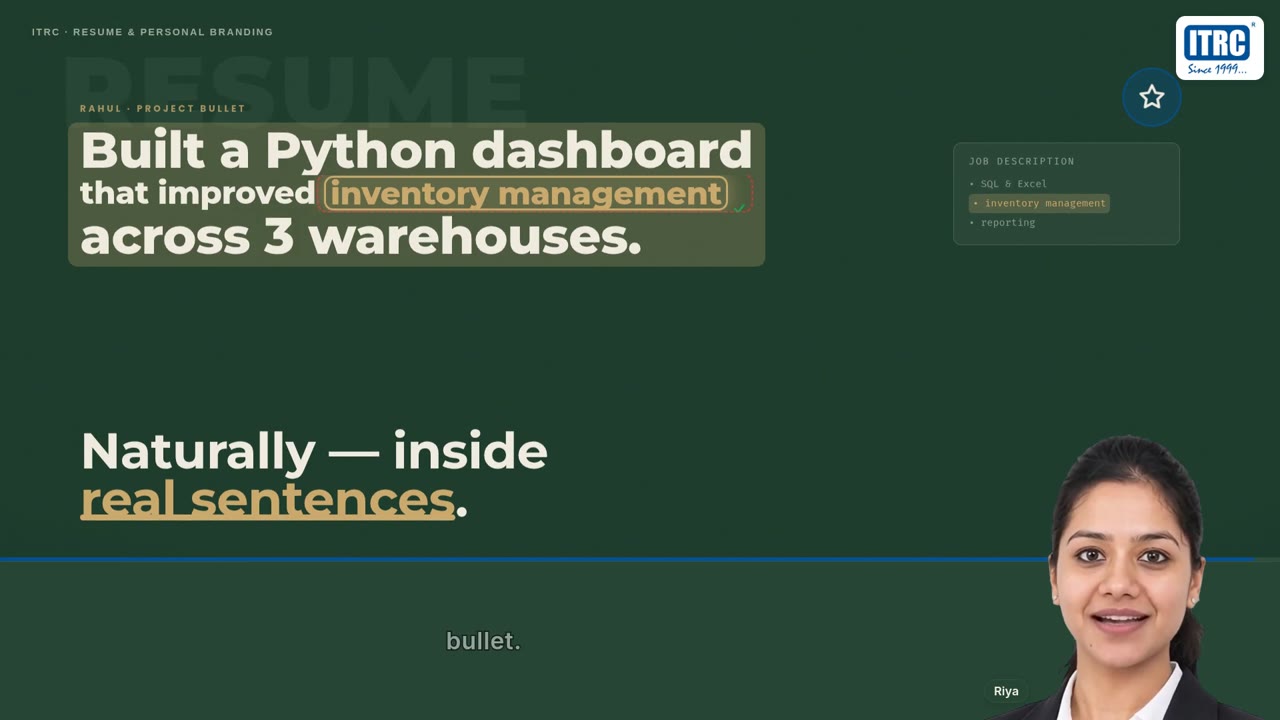
“Handled customer calls” becomes “Resolved forty queries daily”. Students see a weak line turn into a strong one.
Indian students as examples
Priya, a B.Com fresher. Rahul, a B.Tech graduate. Suresh, a sales executive in Pune. Each rule is shown on their resume.
How a machine reads a resume
The slide says “avoid graphics and tables”. The video shows why: the tracking software cannot read them.
A recap and homework
It ends with a recap of the chapter and one task to do today, which the PDF did not have.
How an AI Teaching Video Is Made
Your team does the first two steps. The AI does the rest. For this 10-minute lesson, the whole job took about two hours, and the team did other work in the meantime.
How it works
From PDF to video in four steps
- 01
Upload your PDF
A chapter, a slide deck or your notes.
- 02
Make a few choices
Length, voice, presenter, your logo. One line on who the students are.
- 03
The AI makes it
Writes the script, records the voice, draws each scene and checks it.
- 04
Use the video
Add it to a course in Vacademy, or download the MP4.
No camera, no studio, no editor. Nobody has to sit and watch while it is made.
While it draws, the AI checks each scene against what the presenter is saying, and redraws a scene when the screen and the voice do not match. In the ITRC video, it redrew three. If you want to read more about the steps, see our guide on how to convert books and PDFs into AI videos, or the AI Video Generator page.
How Much Does an AI Teaching Video Cost?
About ₹400 for every minute of finished video. A 5-minute video costs about ₹2,000. The price grows in a straight line with the length, so a 10-minute video is about ₹4,000. You pay only for the minutes you make.
Pricing
What an AI teaching video costs
| Video length | Cost |
|---|---|
| 2 minutes | ₹800 |
| 5 minutes | ₹2,000 |
| 10 minutes | ₹4,000 |
| 15 minutes | ₹6,000 |
| 20 minutes | ₹8,000 |
The ITRC lesson on this page is 10 minutes 39 seconds, so about ₹4,300. That is one fully taught chapter, with a presenter, voice, captions and your logo, ready the same day.
Compare that with recording the same lesson by hand: a camera, a quiet room, a trainer's full day and an editor. And when the syllabus changes, you record it all again. With AI, you change the PDF and make the video again.
Which Institutes Use AI Videos?
Any institute that has good material sitting in PDFs that students do not read.
Skill development centers
One trainer's best session, the same at all your centers.
Coaching institutes
Turn your printed notes into revision videos for every batch.
Schools
A short video before class, so the period is spent on doubts.
Corporate training
Induction and policy decks that new staff actually finish.
Your PDFs Are Already Written
Bring one chapter your students skip to a demo. We will show you a video like the one above, made from it, with your logo on it.
See the AI Video GeneratorFrequently Asked Questions
How much does an AI teaching video cost on Vacademy?
About ₹400 per minute of finished video. A 5-minute video costs about ₹2,000, a 10-minute video about ₹4,000. The price grows in a straight line with the length, so you pay only for the minutes you make.
Can I make an AI video from my own PDF or slides?
Yes. Upload a chapter PDF or a slide deck, say who the students are and how long the video should be, and Vacademy's AI turns it into a narrated, captioned video. The ITRC sample on this page was made from a 9-slide PDF.
How long does it take to make a 10-minute AI video?
The ITRC lesson took about two hours from upload to finished MP4, and nobody had to sit and watch it. Shorter videos are ready sooner.
Can the video carry our institute's logo?
Yes. Your logo sits in the corner of every frame, and your brand color is used for highlights on screen. In the ITRC sample, the ITRC logo is on every frame.
Does the voice sound Indian?
Yes. The ITRC sample uses an Indian English voice, and the AI writes Indian examples into the lesson: a B.Com fresher, a B.Tech graduate, a sales executive in Pune.
Can students watch the video inside our app?
Yes. Add it to any course in Vacademy as a lesson and students watch it in your institute's app. You can also download the MP4 and share it on YouTube, WhatsApp or anywhere else.
Do we need a camera, a studio or a video editor?
No. The AI writes the script, records the voice, draws every scene and puts the video together. You only need the PDF and a few choices: length, voice, presenter and logo.