Executive Summary
“White-label app” covers everything from a genuinely native application published under your own developer account to a browser view with a logo dropped in the corner. For institutes teaching working professionals — doctors, engineers, managers — the gap between these matters commercially, because it determines live-class attendance, notification reliability, content protection and perceived legitimacy. This guide sets out what to verify before signing, what the App Store will and will not accept from education apps, and what a realistic launch timeline looks like.
1. Why iOS Specifically Decides This
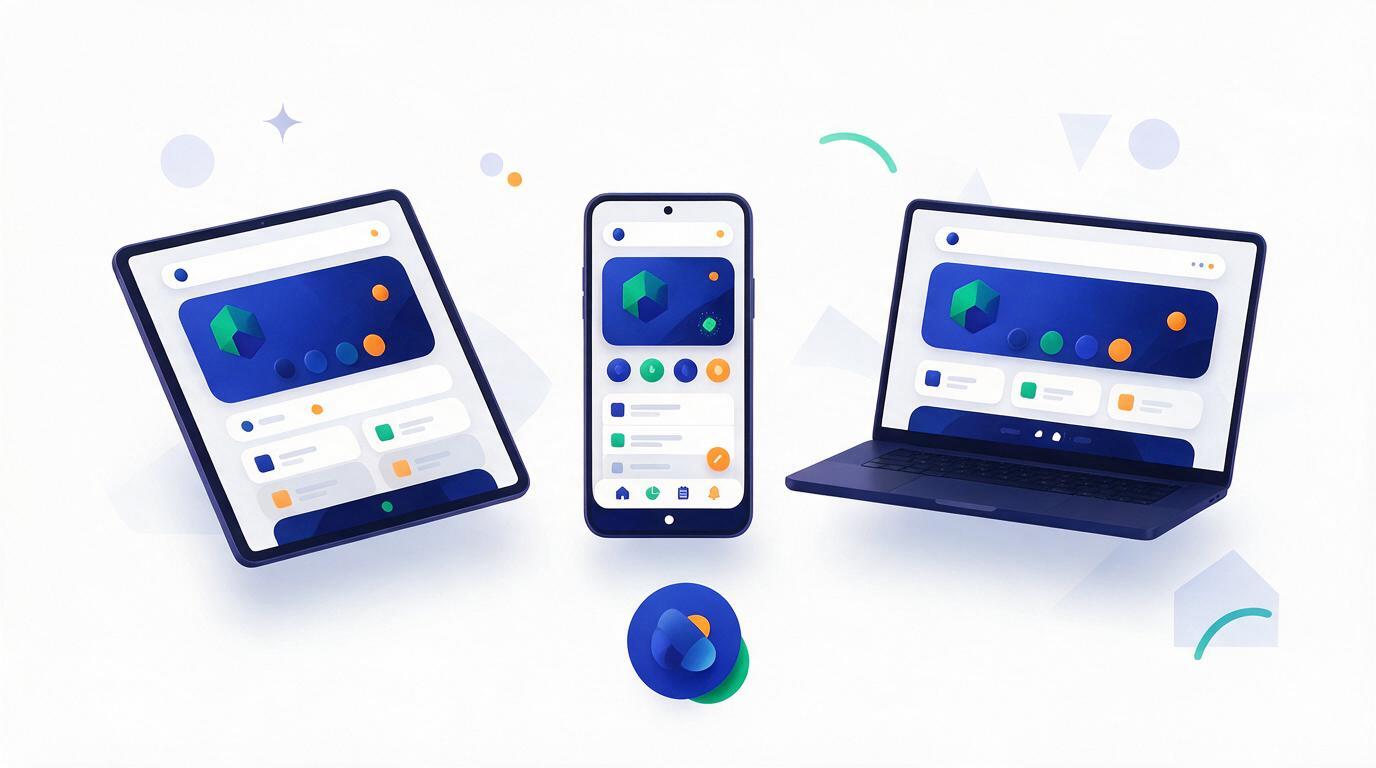
For most consumer education in India, Android dominates and iOS is an afterthought. For professional upskilling the mix inverts sharply: doctors, senior engineers, corporate managers and business owners skew heavily to iPhone. If your programme sells to that audience, an Android-first product with a neglected iOS build is not a minor gap — it is a poor experience for the segment paying your highest fees.
iOS is also less forgiving technically. Background audio, picture-in-picture during a live class, push notification delivery, and video playback behaviour all differ meaningfully from Android, and a web wrapper inherits Safari's constraints rather than working around them. The failure modes are specific and visible to the learner:
- • Live class audio cuts when the learner switches apps or locks the screen
- • Push notifications are unreliable or absent, so live-session reminders do not arrive
- • No offline access — a commuting learner with patchy signal simply cannot study
- • Session drops on network switch, forcing a re-login mid-class
- • Video downloads are unprotected or unavailable entirely
- • Background audio and picture-in-picture during live sessions
- • Reliable native push, including time-sensitive class-starting alerts
- • Downloaded lessons that play without a connection
- • Persistent sessions that survive network changes and app restarts
- • Encrypted, watermarked playback that resists casual redistribution
2. The Questions That Separate Real White-Label From Cosmetic
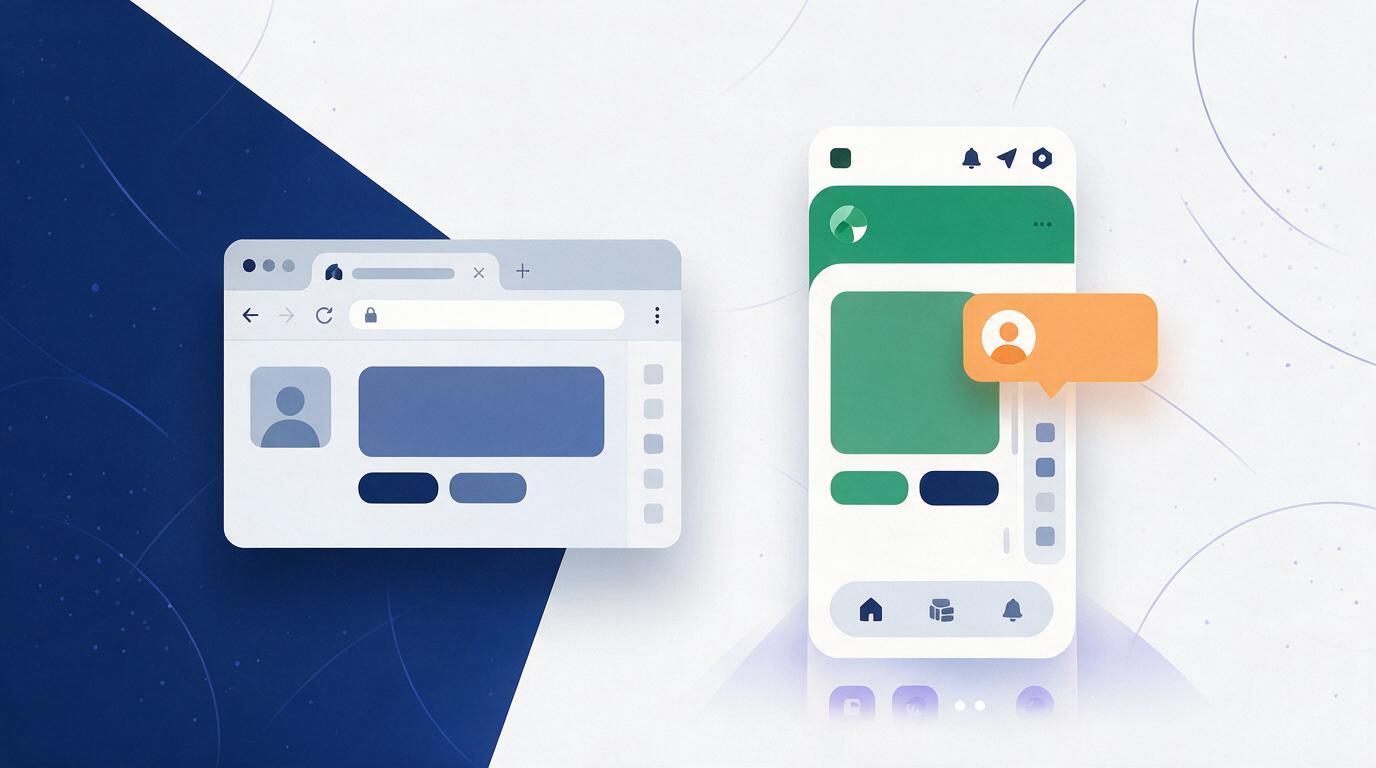
Almost every platform in this category advertises white-labelling. These six questions establish what is actually on offer:
| Ask this | Why it matters |
|---|---|
| Whose developer account publishes the app? | If it is the vendor's, your listing, reviews and ratings are not portable, and a dispute can remove your app from the store. |
| Does it run on our own domain? | A vendor subdomain leaks the platform's brand into every link you send and undermines the premium positioning you are charging for. |
| Are emails and notifications sent from our domain? | Learners who receive mail from an unfamiliar sender mark it as spam, which degrades deliverability for everything else you send. |
| Who owns the App Store listing metadata? | Screenshots, description and keywords are an acquisition asset. Shared or vendor-controlled listings cannot be optimised for your programmes. |
| What happens on OS updates? | Annual iOS and Android releases break things. Establish who ships the fix and how fast, in writing. |
| Can we export our data and leave? | The answer determines whether you are buying a platform or acquiring a landlord. |
Apple applies real scrutiny to apps that are thin wrappers around a website, and reviewers reject submissions that offer little beyond what a browser already does. Education apps also sit in a nuanced position on in-app purchase rules depending on whether they sell to individual consumers or to organisations enrolling their own learners. Both are navigable, but they are the two most common causes of a launch slipping by weeks. Confirm with your vendor which review path your app takes and who handles rejections — before you announce a launch date to students.
3. Branding That Goes Deeper Than a Logo
Meaningful white-labelling covers the whole surface a learner touches: app icon and name on the home screen, splash screen, colour palette and typography, custom domain for the web portal, sender identity on emails and WhatsApp, certificate and invoice templates, and the login screen — the first thing a new learner sees and the fastest place for a vendor logo to undercut you. Separate branded portals for administrators, counsellors, trainers and learners keep the experience coherent for staff too, not just students.
For institutes charging premium fees, this is not vanity. A doctor paying a significant amount for a fellowship programme is making a judgement about institutional seriousness partly from the software. Third-party marketplace branding in that flow is a small, persistent argument against your price.
4. Content Protection Without Ruining the Experience
Where recorded sessions are the core asset — recorded surgical demonstrations, proprietary methodology, exclusive workshop footage — leakage is a genuine commercial risk. The realistic goal is deterrence rather than absolute prevention, since a determined person with a second camera defeats every control. A sensible baseline:
- Dynamic per-learner watermarking — the viewer's own identifier overlaid on playback. This is the single most effective deterrent, because leaked footage is traceable to a person.
- Encrypted streaming and protected downloads, so cached files are not directly playable outside the app.
- Screen-recording detection on platforms that expose it, with playback pausing when capture is active.
- Device limits per account, to stop one purchased login serving a whole batch.
- Concurrent-session limits, which catch credential sharing that device limits alone miss.
Set these against friction honestly. Aggressive device limits generate support tickets from learners who legitimately changed phones, so pair any hard limit with a self-service reset your team is not manually processing.
5. A Realistic Launch Timeline
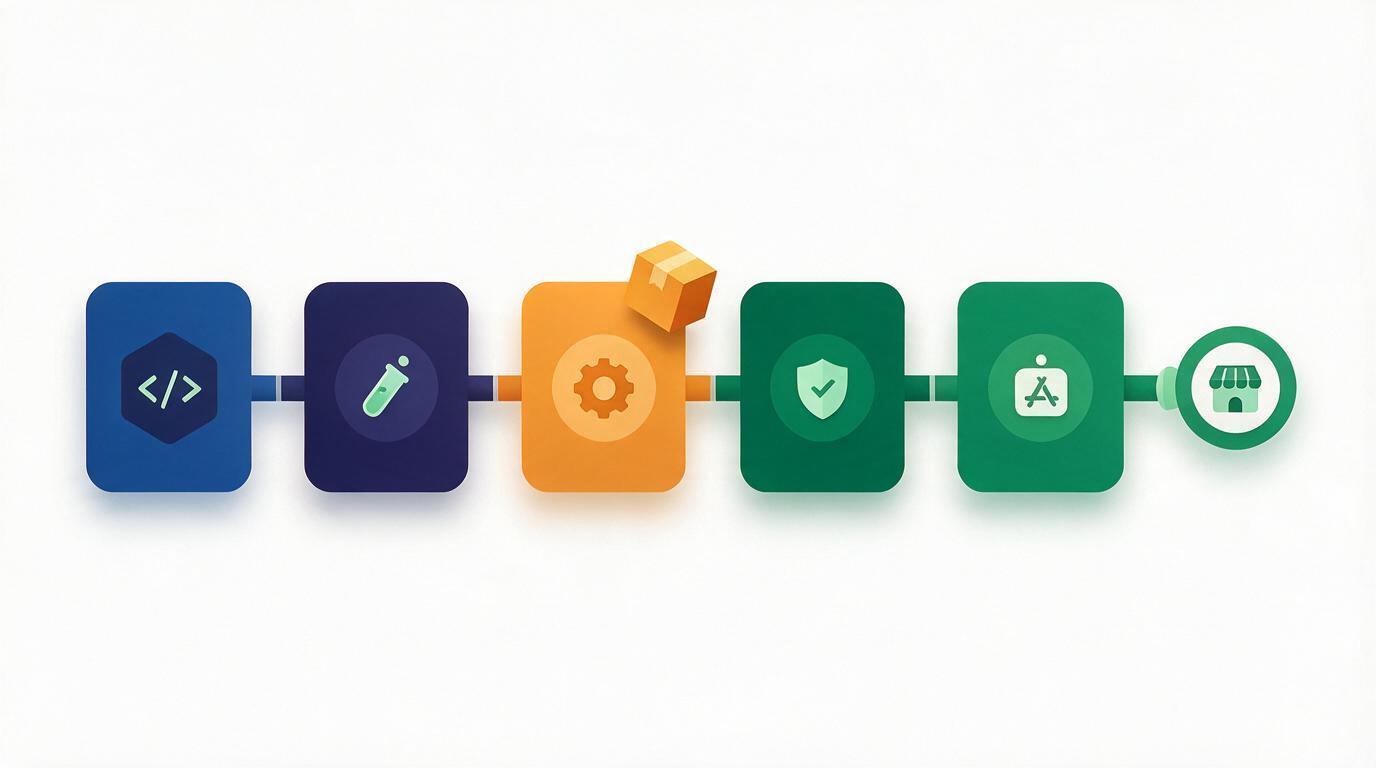
- Accounts and identity. Apple Developer Program enrolment for an organisation requires a verified legal entity and can take days to weeks on its own. Start here, not last.
- Brand assets. Icon, splash, palette, typography, store screenshots and description. Under-budgeting the store listing is common; it is the conversion page for organic app installs.
- Domain and sender setup. Custom domain, plus email authentication records so mail from your domain actually lands.
- Build and internal testing. Distribute to staff on real devices — particularly a live class on a mid-range Android and an older iPhone, which is where problems surface.
- Store review. Budget for at least one rejection round. Have someone specific accountable for responding.
- Phased learner rollout. Launch to one batch before the whole institution, and keep the web portal fully working throughout — some learners will not install anything.
Not downloads — live-session attendance rate among app installers versus web-only learners. If the app is doing its job, reliable push reminders should lift attendance measurably for the same cohort. If that gap does not appear within a couple of batches, notifications are almost certainly misconfigured, and no amount of additional branding will compensate.
6. What This Looks Like in Vacademy
Vacademy provides a fully white-labelled environment: institution branding, custom domain names, custom colour themes, a white-label web portal, native Android and iOS applications, and Windows and Mac applications, with separate branded access for administrators, counsellors, trainers and learners. On the learner side that covers live class access, recorded sessions, course materials, attendance, assignments and assessments, the study library, payment history and receipts, course progress, community discussions, and pinned dashboard announcements for events and conferences.
Because the learner app, the admin console and the CRM sit on one platform, a learner's payment status, batch membership and live-class entitlement are the same records the admissions team is working from — which is what makes one-tap live class entry and accurate access control possible without a nightly sync between systems.
See your brand on a real device
We will walk through the branded iOS and Android learner experience, the admin console, and exactly what the store submission process involves for your institute.