Executive Summary
Migration risk concentrates in three places, and none of them is the file transfer: identity (the same person existing three times across three systems), money (outstanding balances that must reconcile to the rupee), and cutover (the window where staff are entering data into two systems at once). This guide covers what to migrate versus archive, how to resolve duplicate identities safely, the reconciliation checks that must pass before go-live, and why a two-to-three month sample migration should always precede the full one.
1. Decide What Actually Needs to Move
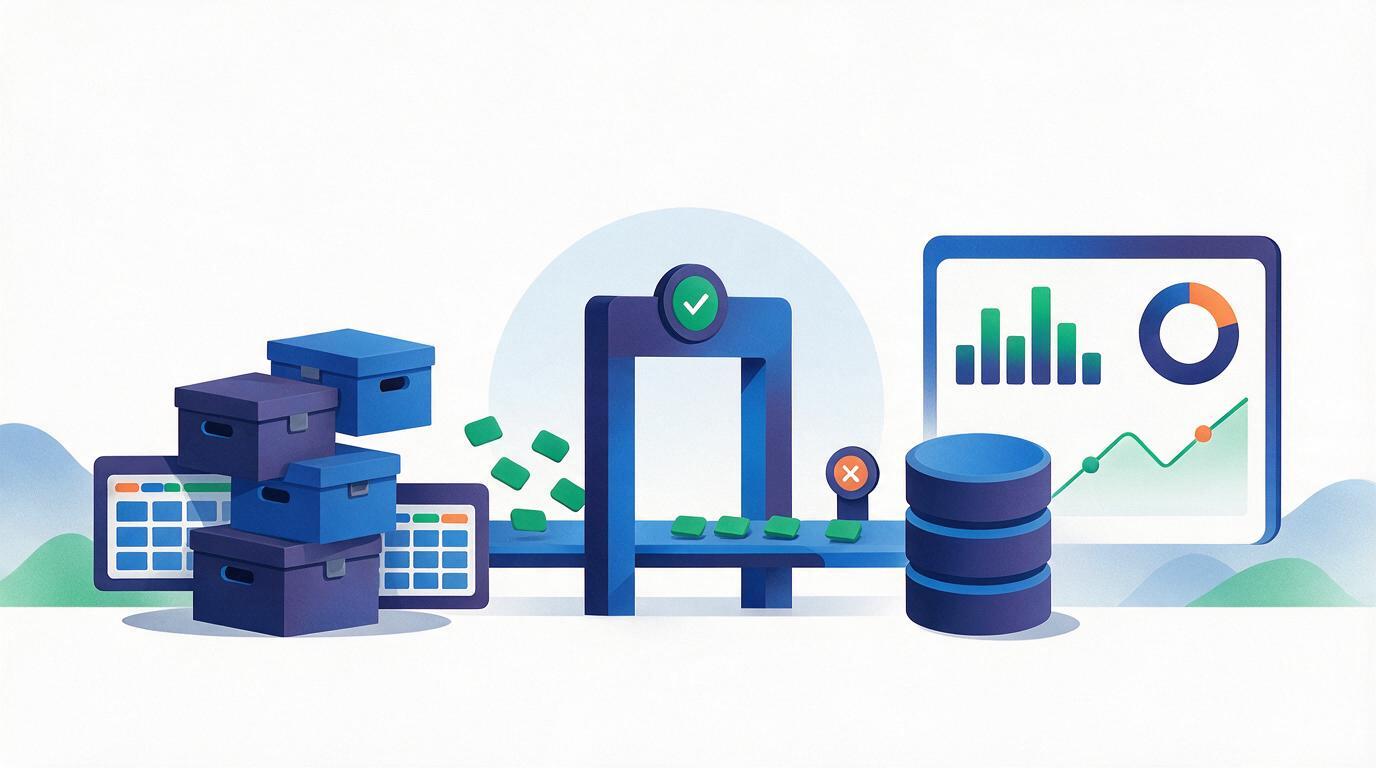
The most common mistake is attempting to move everything. A decade of history contains a great deal that has no operational use, and every record carried across is a record that must be mapped, validated and reconciled. Sort your data into three buckets before anyone writes an export:
| Bucket | Contains | Treatment |
|---|---|---|
| Live operational | Active learners, open leads, unpaid instalments, running batches, current staff | Full migration with complete relationships. This must be perfect. |
| Reference | Alumni, closed enrolments, settled payments, past batches | Migrate as records, but relationships can be simplified. Searchability matters more than structure. |
| Archive | Dead leads years old, superseded documents, obsolete campaign data | Export to cold storage. Do not migrate. Keep it retrievable, keep it out of the working system. |
This decision is also a data-protection one. Personal contact records with no operational purpose are a liability rather than an asset, and migration is the natural moment to stop carrying them forward. Check what your retention policy actually says before defaulting to “bring it all.”
2. The Identity Problem Is the Hard Part
In almost every institute that has run for years, the same human being exists as several separate records: a lead from a campaign in 2019, a student record created at admission, a payer record in the accounting sheet, and an alumni entry in a WhatsApp export. Migrating these naively produces four records that will never reconcile, and a support team that cannot answer “what has this person paid?”
Resolve identity before import, not after. A workable approach:
- Choose one primary key. Phone number is usually the most reliable in Indian institutes; email is patchier and often shared within families or clinics.
- Normalise before comparing. Strip country codes, spaces and punctuation. A substantial share of “duplicates” are formatting differences, and a substantial share of missed matches are too.
- Auto-merge only on exact normalised matches. Fuzzy name matching creates false merges, and an incorrectly merged pair of people is far harder to unpick after go-live than a duplicate is.
- Send near-matches to a human review queue rather than guessing. Expect this queue to be large on the first pass, and treat working through it as part of the project rather than an exception.
- Keep the source identifiers. Store the original record ID from each legacy system on the merged record, so any number can be traced back to where it came from when someone disputes it.
3. Map Fields Explicitly, Including the Ugly Ones
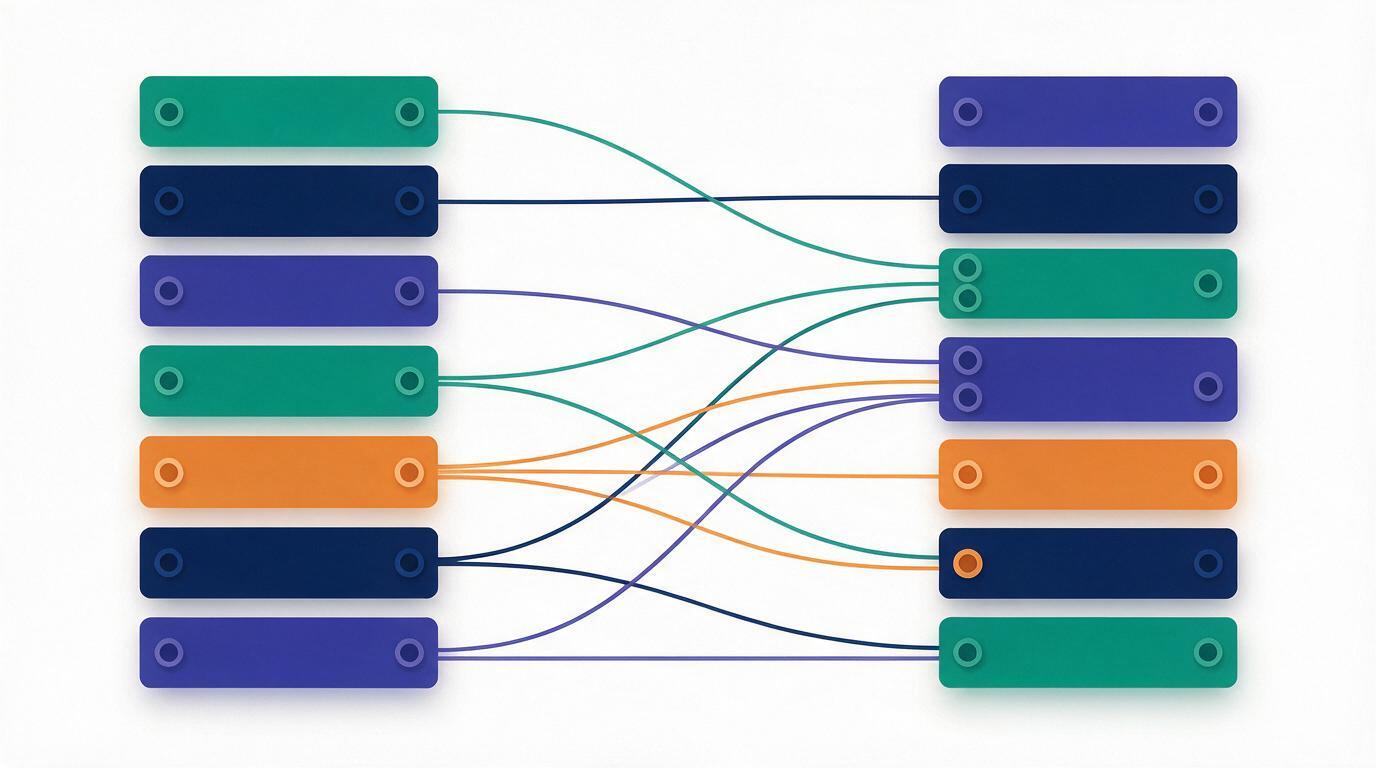
Every long-running system accumulates fields whose meaning lives only in someone's head: a “status” column with fourteen values, three of which mean the same thing; a notes field where counsellors recorded discount approvals; a date column holding two different formats depending on which year the row was created. Build the mapping document with the people who actually entered the data, not only with the administrator who owns the system.
Points that reliably cause trouble and are worth checking explicitly:
- Dates. Mixed day-month and month-day formats in one column is extremely common and silently shifts records by months. Test with dates above the twelfth of the month, where the ambiguity becomes visible.
- Currency and tax. Establish for every amount whether it is inclusive or exclusive of tax. Getting this wrong changes reported revenue and is usually discovered only at the first reconciliation.
- Status vocabularies. Map legacy statuses to the new ones deliberately, and preserve the original string in a separate field so historical reporting remains explicable.
- Free-text that encodes structure. Discounts, instalment arrangements and special approvals frequently live in notes. Extract what you can into real fields, and carry the raw note across regardless.
- Attachments and documents. Identity documents, signed forms and certificates need their links rebuilt against the migrated records, not just the files copied.
Never make the first migration the full one. Take a recent two-to-three month slice covering leads, calls, admissions, payments and students, migrate it, and have the people who own each area check their own records against the source. A counsellor recognising their own leads and a finance lead recognising their own collections will find problems in an afternoon that no automated validation catches. Every mapping defect found in the sample is a defect you do not fix across ten years of data later.
4. Reconciliation: The Checks That Must Pass Before Go-Live
Migration is complete when the numbers agree, not when the import finishes without an error. Define these checks in advance and treat any failure as blocking:
- • Total collected in period matches the legacy system exactly
- • Total outstanding matches, learner by learner, not just in aggregate
- • Instalment schedules and due dates carry across unchanged
- • Approved concessions and negotiated prices survive as the agreed amount
- • Source count minus intentional exclusions equals target count
- • Every exclusion is explained by a rule, never by an unexplained gap
- • Merged identities are counted and reviewed, not silently absorbed
- • Rejected rows land in an exceptions list somebody actually works through
- • Every payment attaches to the right learner and the right course
- • Batch membership and enrolment dates are preserved
- • Lead ownership and follow-up history stay with the right counsellor
- • No orphaned records pointing at IDs that no longer exist
- • Each counsellor opens ten of their own leads and confirms the history
- • Finance checks the ten largest outstanding balances individually
- • A learner-facing view is checked for someone with a part-paid package
- • At least one certificate-eligible learner is verified end to end
5. Cutover: The Riskiest Fortnight
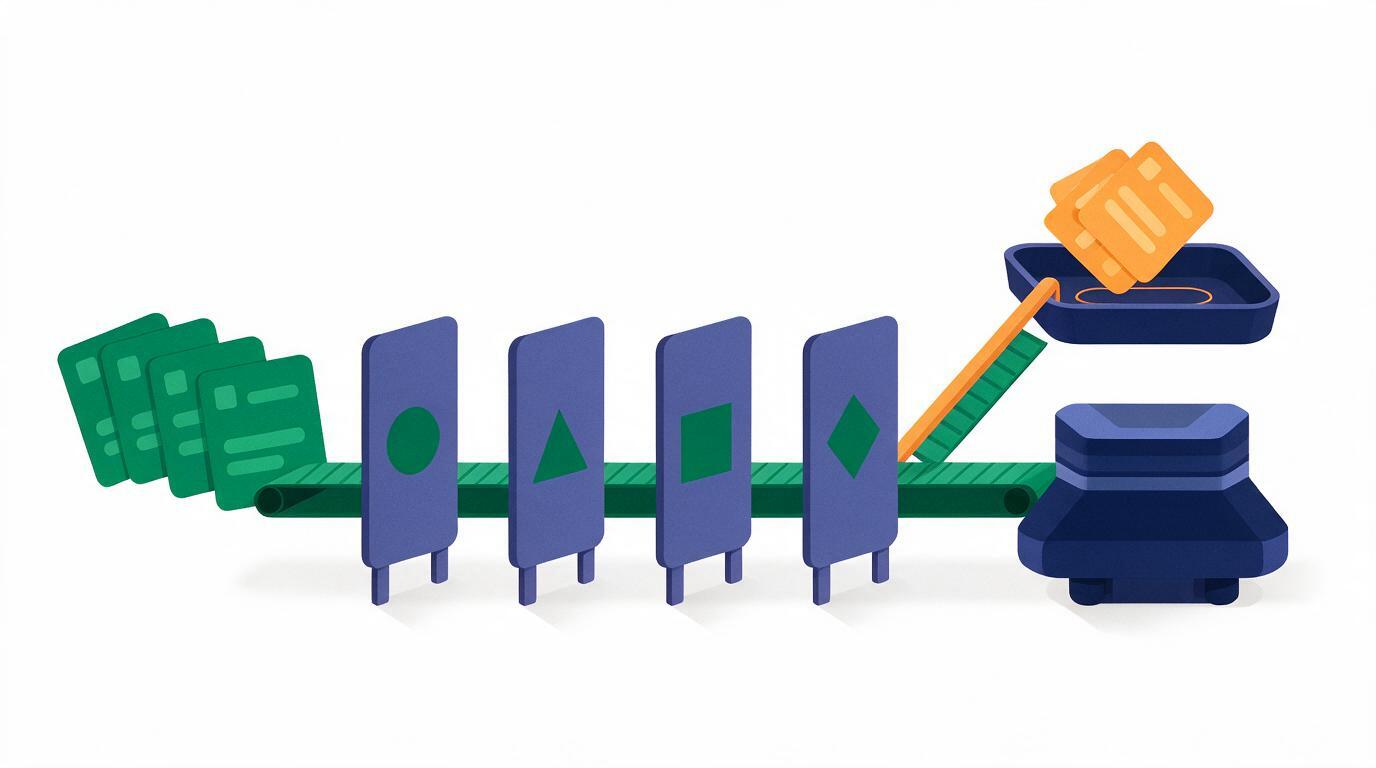
The technical migration is usually less disruptive than the period around it, when staff are unsure which system is authoritative. Reduce that window deliberately:
- Announce a hard freeze date for new entries in the legacy system, and make it unambiguous. Ambiguity here is what produces leads recorded in one system and payments in the other.
- Run a delta migration at cutover. Migrate the bulk in advance, then move only records created or changed since that point. This keeps the freeze to hours rather than days.
- Parallel-run for a short, fixed period — typically one to two weeks — with the new system authoritative and the old one read-only. Read-only is important: a legacy system left writable will keep being written to.
- Time it to your admissions calendar. Never cut over during peak intake. The right window is immediately after a batch closes, when both counsellors and finance have capacity.
- Keep a rollback position for the parallel-run period: a restorable snapshot of the legacy system and a documented decision-maker who can call it.
- Train on migrated data, not demo data. Counsellors trust a system that shows them their own leads. Training on fabricated records delays real adoption by weeks.
Retain a complete, restorable export of the legacy system after go-live, stored securely and with access restricted. Questions surface months later — a disputed payment from before the move, a certificate reissue, an audit request — and the ability to answer from the original source is worth far more than the storage costs. Set a review date for that archive rather than keeping it indefinitely by default.
6. What This Looks Like in Vacademy
Vacademy supports migration of historical CRM, payment and student data, with bulk import and a direct API path for sources that need it. Because leads, calls, enrolments and payments live in one data model, the relationships that usually break across a multi-system migration — a payment finding the right learner, a follow-up history staying with the right counsellor — are preserved rather than reassembled afterwards.
The recommended starting point is a two-to-three month sample of your real historical data during evaluation. It answers the migration question and the platform question at the same time: your team assesses reporting, payment tracking and counsellor workflows against records they recognise, rather than against a demo environment that proves nothing about your data.
Start with a sample, not a leap
Export two to three months of leads, calls, admissions and payments. We will migrate it into a fresh environment so your team can check their own records before any commitment.