Executive Summary
For an institute spending seriously on Meta and Google, the single highest-leverage operational fix is almost never creative or targeting — it is speed to first contact and attribution fidelity. This guide covers the four ways leads actually arrive, why CSV exports and email notifications quietly destroy both speed and attribution, how to structure lead lists so campaign-level reporting survives the journey to enrolment, and how automatic assignment and instant acknowledgement should be configured.
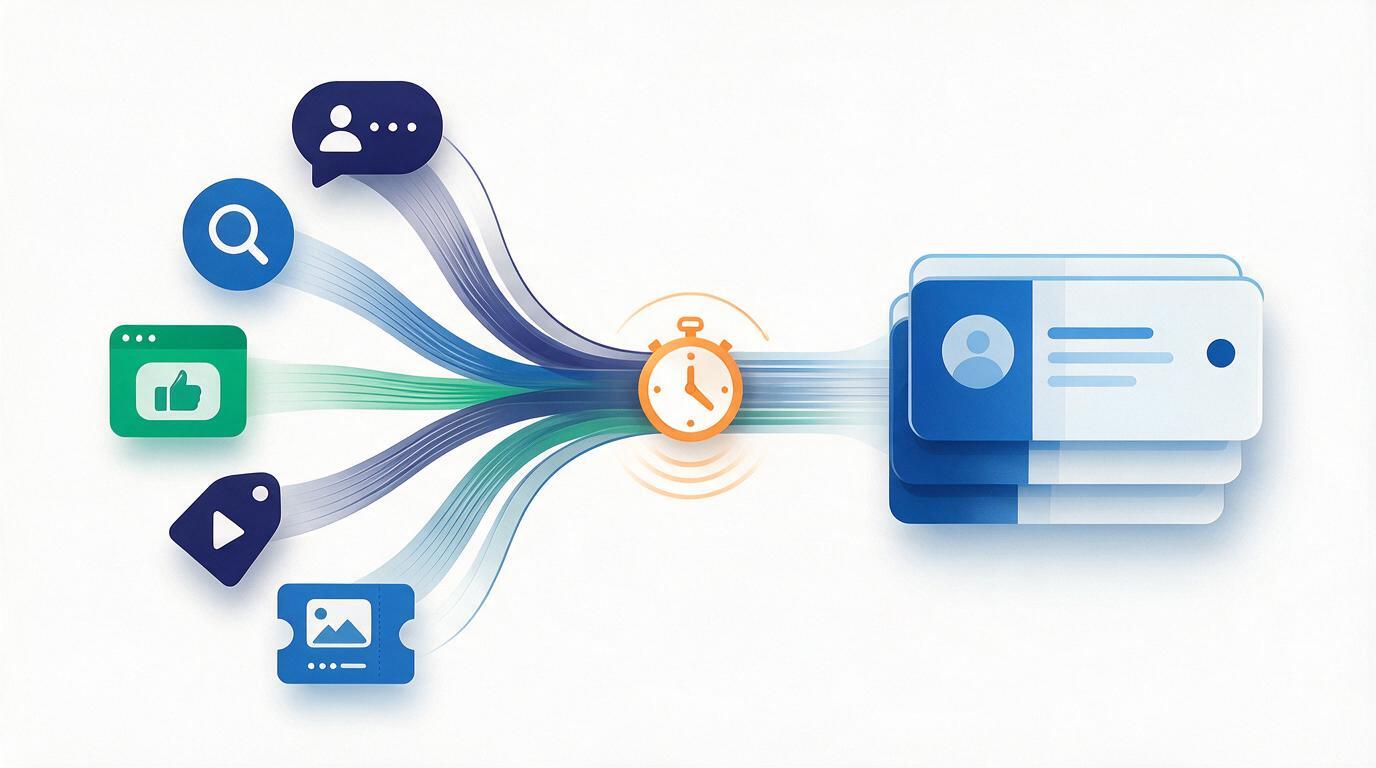
1. The Real Cost of a Six-Hour Delay
A prospect who fills a Meta lead form for a certification course is, at that moment, at peak intent. They are also, at that same moment, being served competitor ads for the same query. Every hour that passes reduces both their recall of your brand and the probability that they answer an unknown number.
The delay is rarely deliberate. It is a byproduct of how most institutes actually operate the handoff:
- Manual CSV download. Someone logs into Meta Business Suite once or twice a day, downloads leads, cleans the file, and forwards it. Median delay: half a business day. Weekend leads: two days.
- Email notification per lead. Faster, but the lead now lives in an inbox rather than a pipeline — no assignment, no follow-up scheduling, no record if the person who owns that inbox is on leave.
- Agency-owned ad account. The agency has the leads. You get a weekly report. By the time you see a campaign is producing junk, you have paid for a month of it.
- Multiple disconnected forms. Website form goes to one inbox, Meta to a spreadsheet, Google Forms to a third place, walk-ins to a register. Nobody can produce a single deduplicated view.
The same person often fills forms on two different ad sets within a week. With disconnected capture, two counsellors call the same prospect with two different pitches and sometimes two different prices. This is worse than calling late: it visibly signals disorganisation at exactly the moment you are asking someone to trust you with a large fee. Deduplication on phone number at ingest — not at report time — is not a nice-to-have.
2. The Four Capture Paths, and When to Use Each
Meta Lead Ads and Google Ads lead form extensions connect directly, so a submission reaches the CRM in seconds with its ad set, campaign and form identifiers intact. This is the default for paid social and search. It requires the ad account to grant page-level access — a step that is worth insisting on even when an agency runs the account.
A form you embed on your own site or landing page, posting straight into a named lead list. Best when you control the landing page and want custom fields the ad platform will not collect — qualification, city, preferred batch dates.
A direct endpoint for sources the platform does not natively integrate — an existing microsite, a partner portal, an offline event app, or a legacy system during migration. Also the right path for backfilling historical leads.
Walk-ins, phone enquiries, seminar sign-up sheets and exhibition lists. Still necessary, but it should be the exception — every lead entered by hand is a lead whose source attribution depends on someone remembering to set it.
3. Structure Lead Lists So Attribution Survives to Enrolment
The most common structural mistake is a single undifferentiated “Leads” bucket. Once every source empties into one pool, you can report on how many leads you got but never on which campaign produced paying students — and cost-per-enrolment, the only number that matters, becomes uncomputable.
Create a separate lead list per meaningful unit of spend. In practice that means one per campaign, and one per creative or ad set where you genuinely intend to compare them. Then attach custom fields at the form level, mapped consistently across sources, so the same attribute always lands in the same field regardless of whether the lead came from Meta, your website, or a bulk import.
| Keep as its own list when… | Merge into one list when… |
|---|---|
| You will make a budget decision about it independently | The sources are always funded and judged together |
| It targets a different persona or geography | The audience is identical and only the creative differs cosmetically |
| It should route to a different counsellor pool | Everything routes to the same team anyway |
| It sells a different course or price point | Splitting would leave each list too small to read |
4. Assignment: Round-Robin Is the Floor, Not the Ceiling
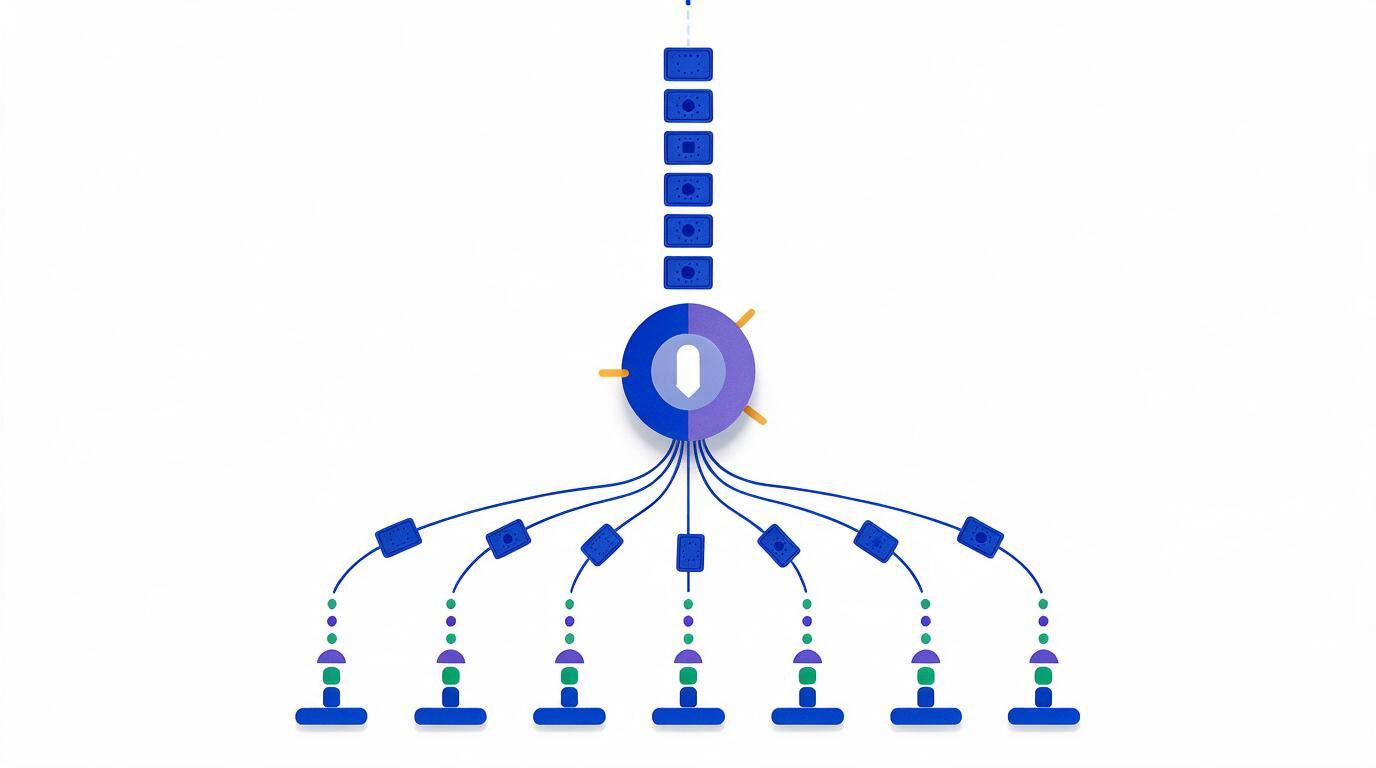
Automatic assignment matters because an unassigned lead has no owner, and a lead with no owner is nobody's failure when it is never called. Round-robin is the correct default — it is fair, it is transparent, and it removes the delay entirely. But a team of eighteen counsellors usually needs more than a flat rotation:
- Pools before people. Assign to a team pool (by region, language, or course vertical) and round-robin within it. This keeps routing sensible when someone is on leave.
- Capacity-aware rotation. A strict rotation keeps handing leads to a counsellor already sitting on 200 untouched records. Cap open leads per counsellor so overflow moves to whoever can actually work it.
- Segment-aware routing where the data supports it. Once you know which counsellor converts which persona, route accordingly — but only on real conversion evidence, not on seniority.
- Restricted visibility. Each counsellor sees only their assigned leads. This is partly a discipline measure and partly a data-protection one: an eighteen-person team with full database export access is a genuine leak risk.
- Reassignment on inactivity. A lead untouched for a defined window should return to the pool automatically. Without this rule, leads are hoarded rather than worked.
5. Instant Acknowledgement Buys You the Callback
Even with perfect routing, a counsellor cannot always dial within a minute at peak. An automated acknowledgement bridges that gap and does three useful things: it confirms to the prospect that the form worked, it puts your brand name in their WhatsApp or inbox so an unknown number is recognised when it rings, and it gives them a channel to reply on before anyone calls.
Keep the first message short and specific — course name, what happens next, and a rough timeframe. Then schedule a small sequence: a follow-up after a defined number of days for leads that never connected, a different one for leads that connected but did not decide. Blanket broadcasts to everyone in the list are what make prospects mute the channel.
6. A Practical Configuration Checklist
- Get real access to the ad account. Native lead sync needs management-level permission on the page or ad account. If an agency holds it, resolve this before anything else — every downstream capability depends on it.
- Map fields once, consistently. Decide the canonical field names, then map every form to them. Divergent field names across sources is the most common reason merged reporting fails later.
- Turn on phone-number deduplication at ingest. Merge into the existing record and keep both source attributions rather than creating a second lead.
- Set the assignment rule and the inactivity reassignment window together. One without the other creates either bottlenecks or hoarding.
- Configure the acknowledgement message per lead list, referencing the specific course the ad promoted — a generic institute-wide message wastes the highest-attention moment you will get.
- Verify end to end with a live test lead submitted through the real ad, not a preview. Check that it arrives, is deduplicated, is assigned, carries its campaign attribution, and triggers the acknowledgement.
- Then measure cost per enrolment, not cost per lead, per list. This is the entire point of the structure above, and it is the number that should drive the next budget decision.
Lead forms collect personal contact data, and automated messaging sits under consent rules that vary by channel and jurisdiction. Keep the consent text on the form itself, store the timestamp and wording the prospect agreed to alongside the lead record, and make sure opt-outs propagate across every channel rather than only the one the prospect replied on. Retrofitting this after a complaint is considerably more expensive than configuring it at setup.
7. What This Looks Like in Vacademy
Vacademy captures leads from Meta and Instagram ads, Google Ads and Google Forms, LinkedIn, website forms, and direct API integration, with separate lead lists per campaign, location, advertisement or form and custom fields mapped to each. Assignment supports automatic and manual modes, round-robin distribution, team pools with hierarchical structures, and restricted counsellor visibility so each person sees only their own leads. Workflow automation handles acknowledgements and scheduled follow-ups over WhatsApp and email, and because capture, calling and enrolment share one data model, campaign attribution survives all the way through to the admission record.
Stop losing leads to the handoff
Connect your Meta and Google accounts, route to your counsellor pools, and watch a live test lead travel from ad to assigned call in under a minute.
Typical native lead-sync setup takes under a day once ad-account access is granted.