The year is 2026. Online teaching has evolved beyond Zoom calls and static PDFs. The most effective educators no longer spend hours on administrative tasks—they've embraced a new paradigm where AI handles the heavy lifting, allowing them to focus on what truly matters: inspiring learners.
But what does this ideal workflow actually look like? In this comprehensive guide, we'll walk you through every phase of the modern teaching cycle—from planning and content creation to delivery, assessment, and continuous improvement. Whether you're an independent educator, a coaching institute owner, or a corporate training manager, this blueprint will transform how you think about online education.
Why Traditional Teaching Workflows Are Failing
Before we dive into the ideal workflow, let's acknowledge the reality most educators face today:
Time Drain
Average educator spends 15+ hours/week on administrative tasks
Tool Fatigue
Juggling 5-10 different apps for teaching, payments, and communication
Manual Content Creation
Hours spent formatting, creating quizzes, and building presentations
Blind Spots
No real-time visibility into learner progress or engagement
Scattered Communication
WhatsApp groups, emails, and multiple platforms for student interaction
Generic Experiences
One-size-fits-all approach with no personalization capabilities
The 5-Phase Ideal Teaching Workflow for 2026
A complete, AI-powered workflow that transforms how educators plan, create, deliver, assess, and improve their teaching.
Plan & Prepare
AI-assisted course and lecture planning that turns hours into minutes
- AI-generated course outlines from simple prompts
- Automated lecture planning with resource suggestions
- Smart content organization based on learning objectives
- Question bank generation from course materials
Create & Curate
Transform PDFs, topics, or audio into complete learning materials
- Upload PDFs and auto-generate quizzes and assessments
- Voice-to-question conversion for quick test creation
- AI slide generator for visual learning content
- Smart content extraction from existing resources
Deliver & Engage
Seamless live and recorded content delivery with built-in engagement tools
- Native Zoom, Meet, and YouTube Live integration
- Automated attendance tracking
- Real-time doubt resolution system
- Interactive polls and Q&A during sessions
Assess & Automate
Smart assessments with AI grading and instant feedback
- AI-generated assessments aligned to outcomes
- Automated grading and instant result publishing
- Personalized practice recommendations
- Comprehensive performance analytics
Analyze & Improve
Data-driven insights to continuously enhance teaching effectiveness
- Real-time learner progress dashboards
- Engagement pattern analysis
- Content effectiveness metrics
- Predictive dropout alerts
Phase 1: AI-Powered Planning & Preparation
In 2026, course planning begins with a simple prompt. Instead of spending weeks structuring curriculum, educators describe their learning objectives and let AI generate complete course outlines—including module breakdowns, lesson plans, and learning outcomes.
How Vsmart Lecturer Works
- 1Enter your topic and target audience
- 2AI generates structured lecture plan with timing
- 3Review, edit, and customize as needed
- 4Get AI-suggested resources and activities
Phase 2: Smart Content Creation & Curation
Creating quality educational content used to take days. In the ideal 2026 workflow, content creation becomes a matter of minutes. Upload your existing materials—PDFs, notes, images, or even audio recordings—and let AI transform them into interactive learning experiences.
Vsmart Upload
Upload PDFs, auto-generate quizzes
Vsmart Audio
Voice-to-question conversion
Vsmart Topics
Generate from any topic
The Vsmart AI Suite: Your Content Creation Powerhouse
- Vsmart Upload: Transform PDFs into complete question papers
- Vsmart Audio: Speak your questions, AI transcribes and formats
- Vsmart Topics: Enter a topic, get a complete assessment
- Vsmart Chat: Conversational AI for custom content generation
- Vsmart Extract: Pull key concepts from lengthy documents
- Vsmart Image: Generate questions from diagrams and images
Phase 3: Seamless Delivery & Engagement
Gone are the days of switching between Zoom for classes, Google Sheets for attendance, and WhatsApp for communication. The ideal 2026 workflow integrates everything into a single platform.
Native Live Class Integration
Zoom, Google Meet, YouTube Live — all from one dashboard
Smart Scheduling
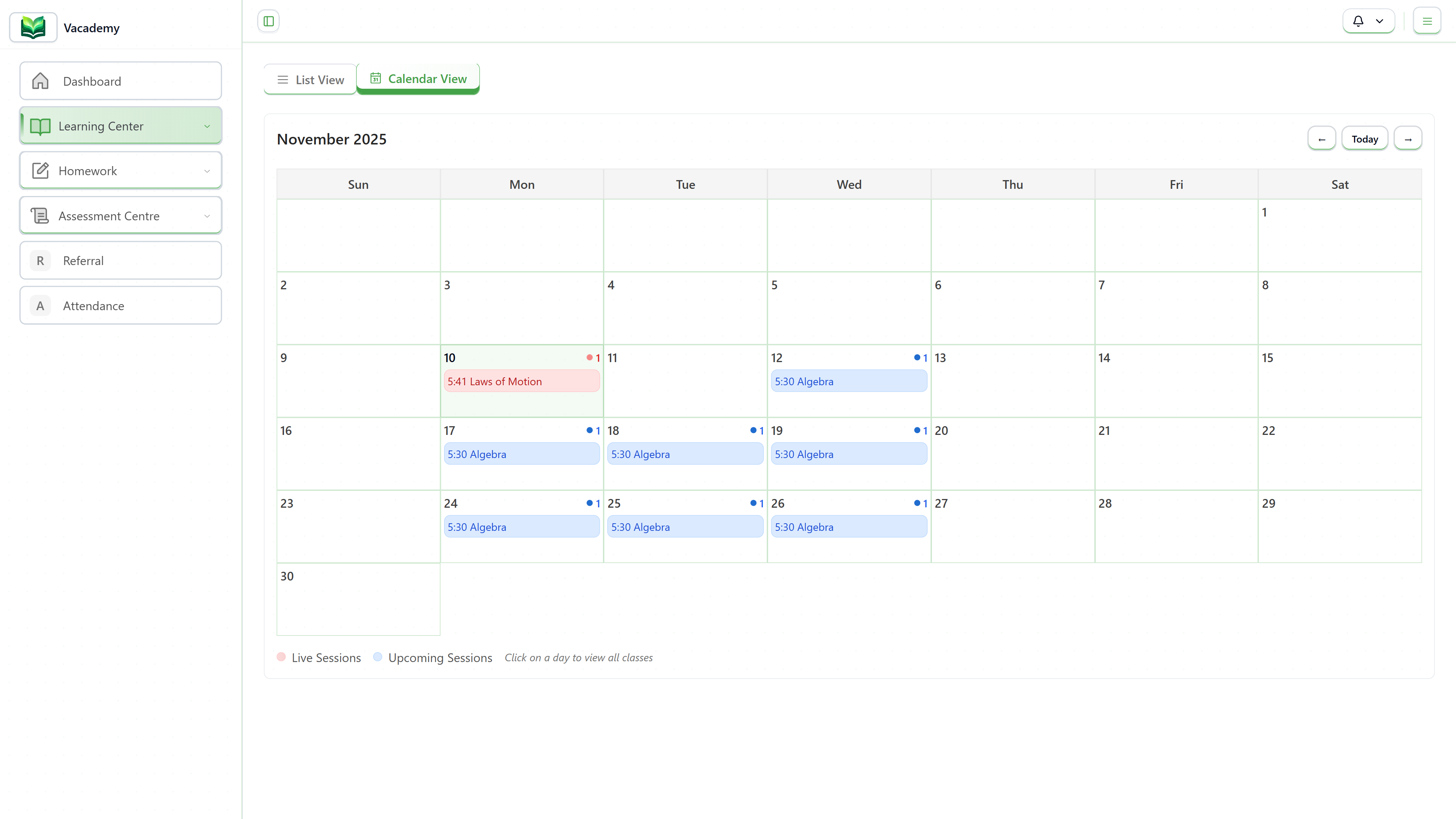
One-time or recurring sessions with automated reminders
Auto Attendance
Intelligent tracking of joins, duration, and participation
Real-Time Doubt Resolution
Learners can raise doubts directly from any lesson, and educators get instant notifications. No more lost questions in WhatsApp groups.
- Centralized doubt management dashboard
- Assign doubts to specific teachers
- Track resolution time and quality
- Build FAQ from common questions
Phase 4: Intelligent Assessment & Feedback
In 2026, assessments aren't just tests—they're learning tools. With AI-powered evaluation, educators can deliver personalized feedback at scale, identify struggling learners instantly, and continuously improve their teaching based on assessment data.
Assessment Types Supported
AI Evaluation Capabilities
- Automated grading with rubric support
- Personalized feedback generation
- Strong/weak area identification
- Question-wise analytics
Phase 5: Data-Driven Continuous Improvement
The ideal teaching workflow doesn't end with delivery—it closes the loop with actionable insights. In 2026, educators have real-time visibility into every aspect of their teaching effectiveness and learner progress.
Learner Progress Tracking
Real-time dashboards showing individual and batch progress
Engagement Analytics
Understand what content resonates and what needs improvement
Predictive Dropout Alerts
AI identifies at-risk learners before they disengage
The Unified Platform Advantage
The ideal 2026 workflow isn't about having the best individual tools—it's about having everything work together seamlessly. Here's what you replace with a unified learning OS:
Ready to Transform Your Teaching Workflow?
Join educators worldwide who have already embraced the future of online teaching. See how Vacademy can automate your workflow and amplify your impact.
Frequently Asked Questions
How long does it take to set up an ideal teaching workflow?
With platforms like Vacademy, you can set up a complete teaching workflow in under an hour. The AI-powered tools eliminate the need for manual configuration—simply upload your content or describe your course, and the system handles the rest.
Do I need technical skills to implement this workflow?
Absolutely not. The ideal 2026 workflow is designed for educators, not IT teams. Modern platforms offer no-code setup, drag-and-drop course building, and AI assistants that handle the technical complexity behind the scenes.
Can this workflow scale from individual tutors to large institutions?
Yes. The beauty of a unified platform approach is that the same workflow that works for an individual educator scales seamlessly to multi-branch institutions and corporate training departments. From 10 students to 10,000—the workflow remains consistent.
How does AI content creation maintain quality?
AI-generated content serves as a powerful starting point, not a final product. Educators can review, edit, and customize all AI-generated materials. The AI learns from your preferences over time, making suggestions more aligned with your teaching style.
What happens to my existing content and data?
Modern platforms support bulk import of learners, courses, and content. Migration assistance is typically provided to help you transition without losing data or disrupting ongoing courses.
Is this workflow suitable for corporate training?
Absolutely. Corporate L&D teams benefit enormously from automated workflows, AI-generated training content, and detailed analytics. The same platform can handle employee onboarding, compliance training, skill development, and certification programs.